Legal Fee Tariffs & Electronic Invoicing
Revenue leakage inside law firms rarely stems from a lack of client demand. More often, it happens when brief consultation calls, urgent motion drafting, courtroom wait times, and out-of-pocket court filing disbursements go unrecorded and are forgotten at month-end billing. Manual copy-pasting from scattered notes into word-processor invoices introduces arithmetic errors and delays cash collection.
Unifying time capture, statutory Bar Association fee schedules, and automated billing eliminates administrative friction so every billable task converts accurately into a court cost statement or branded client invoice.
Statutory Fee Tariffs and Standardized Service Catalogs
Law practices operating across European civil-law markets frequently blend statutory tariff billing (calculated by points and claim value), negotiated hourly rates, and monthly corporate retainers. Manually looking up tariff tables for every brief or hearing slows down partners and paralegals alike.
Legalistik streamlines fee calculation at two integrated levels:
- Case-Level Bar Tariff Calculator: Inside each matter’s AI & Tariff tab, attorneys can compute statutory fees across regional Bar schedules (Croatia, Bosnia & Herzegovina FBiH/RS, Serbia) based on claim value, statutory overhead, and VAT—and export a ready-to-file Word (
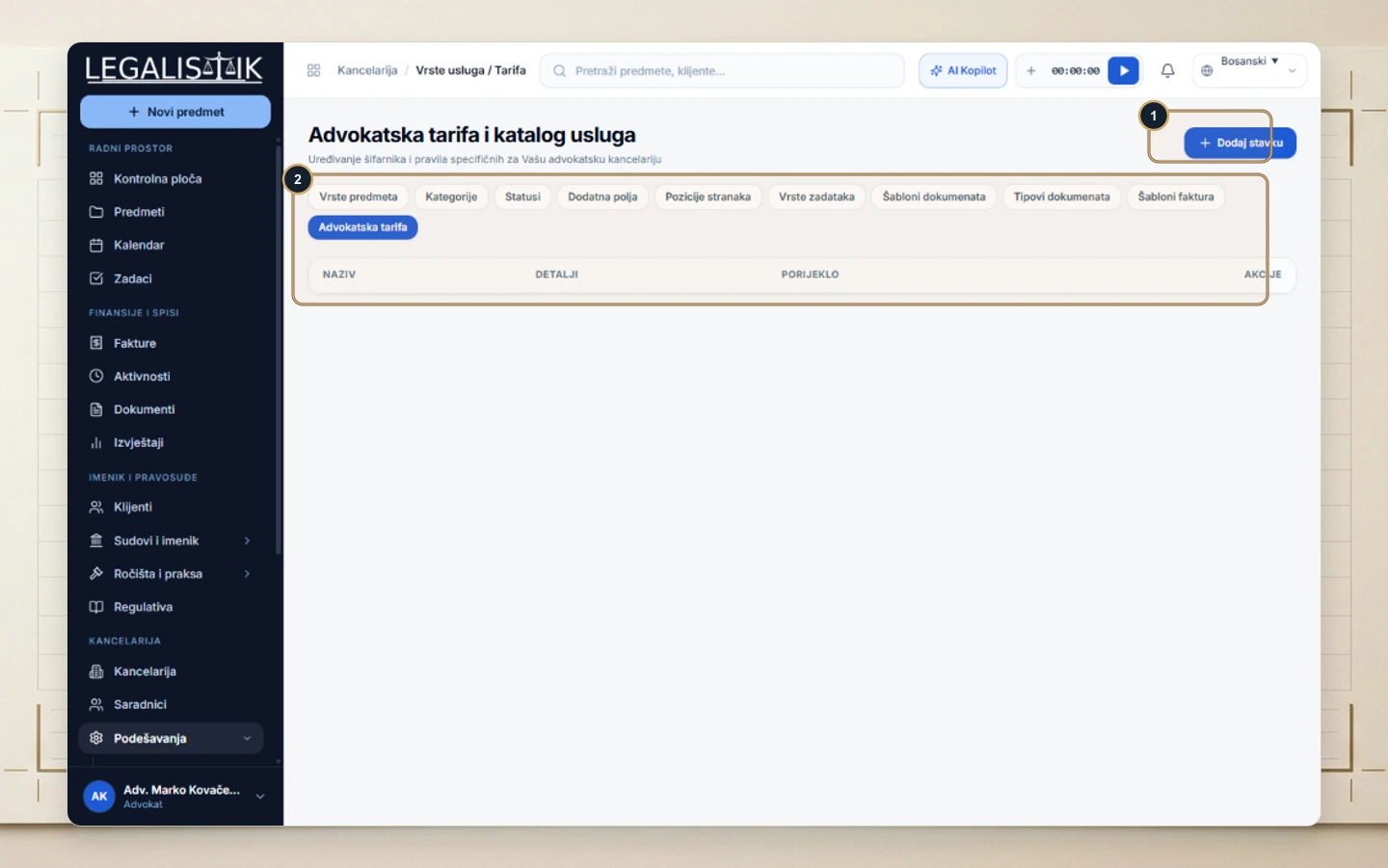
.docx) court cost statement. - Office Service & Tariff Catalog: Firms can pre-configure recurring legal services, units, and default rates in Settings as outlined in the Attorney Tariff & Service Catalog setup guide.
Real-Time Stopwatch Tracking and Activity Logging
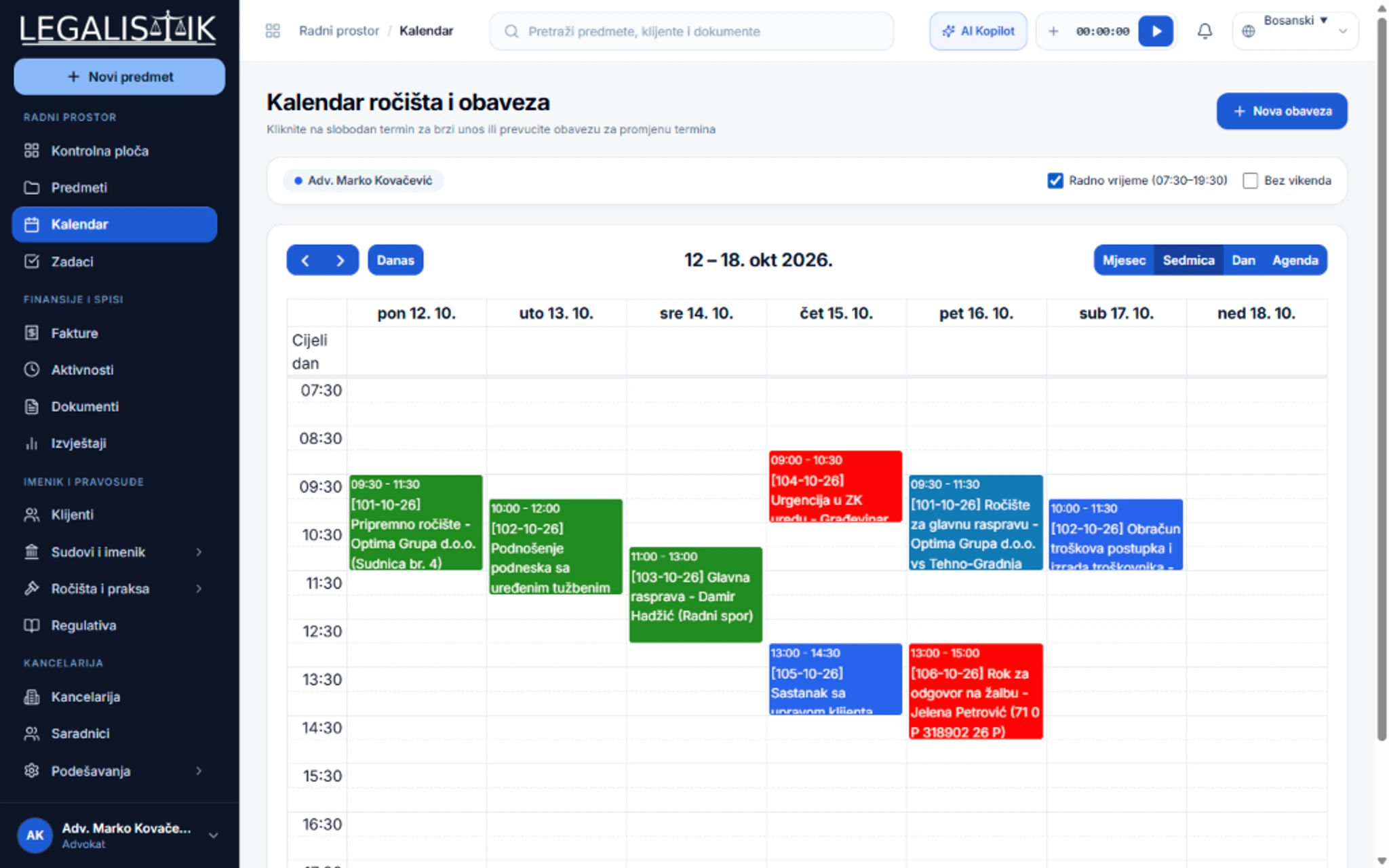
Capturing billable work the moment it happens is the single fastest way to protect firm profitability. Legalistik’s Time Tracking & Billable Activities module pins a global stopwatch directly to the top navigation bar on every screen. Starting the timer during contract drafting or a client phone call automatically pre-fills start time, end time, and duration once stopped.
Each entry—whether hourly, flat-fee, or tariff-coded—is linked directly to its matter, client, and fee earner with an Open status. Managing partners gain immediate visibility into unbilled work in progress across the entire practice without chasing associates for timesheets.
Billing Workflow Comparison Across Legal Fee Arrangements
| Fee Arrangement | Typical Legal Use Case | How Legalistik Automates Billing |
|---|---|---|
| Statutory Bar Tariff (Points & Claim Value) | Litigation, enforcement, non-contentious, and criminal defense | Computes tariff items, overhead, and VAT; exports Word court cost statements |
| Hourly Time Tracking | Corporate advisory, M&A due diligence, commercial negotiations | Header stopwatch calculates duration × rate into open billable items |
| Monthly Retainers | Ongoing corporate counsel and outside general counsel clients | Instant recurring invoice or proforma generation from service presets |
| Proforma Quotes & Retainer Advances | Upfront scope estimates prior to court filing | One-click conversion from proforma quote to final invoice upon settlement |
| Court Fees & Disbursements | Filing stamps, expert witness fees, and travel expenses | Itemized alongside legal fees with tax-exempt toggles where applicable |
From Open Activities to Branded PDF or Word Invoices in Seconds
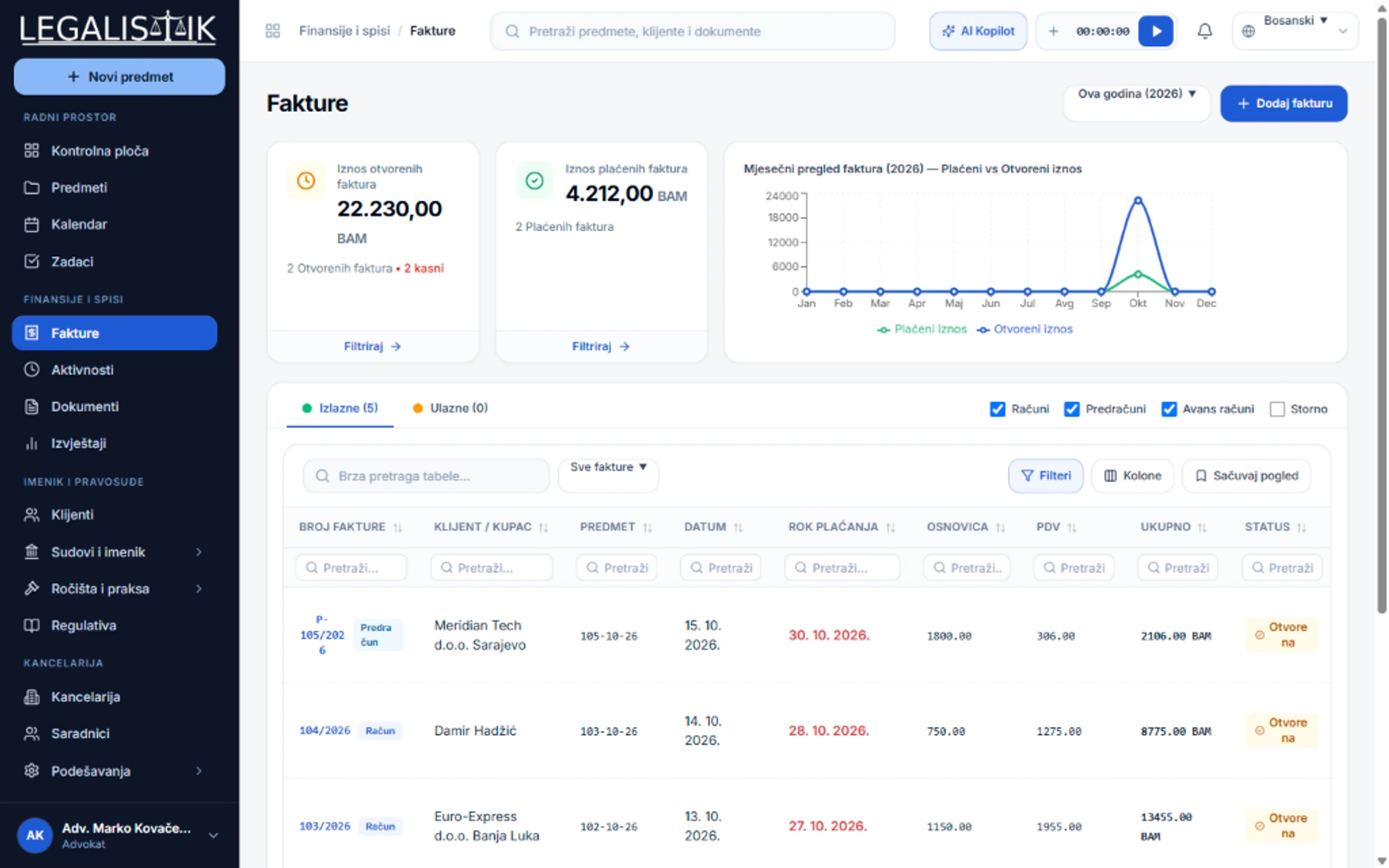
At month-end or case closure, the Invoicing & Financial Control module removes manual retyping entirely.
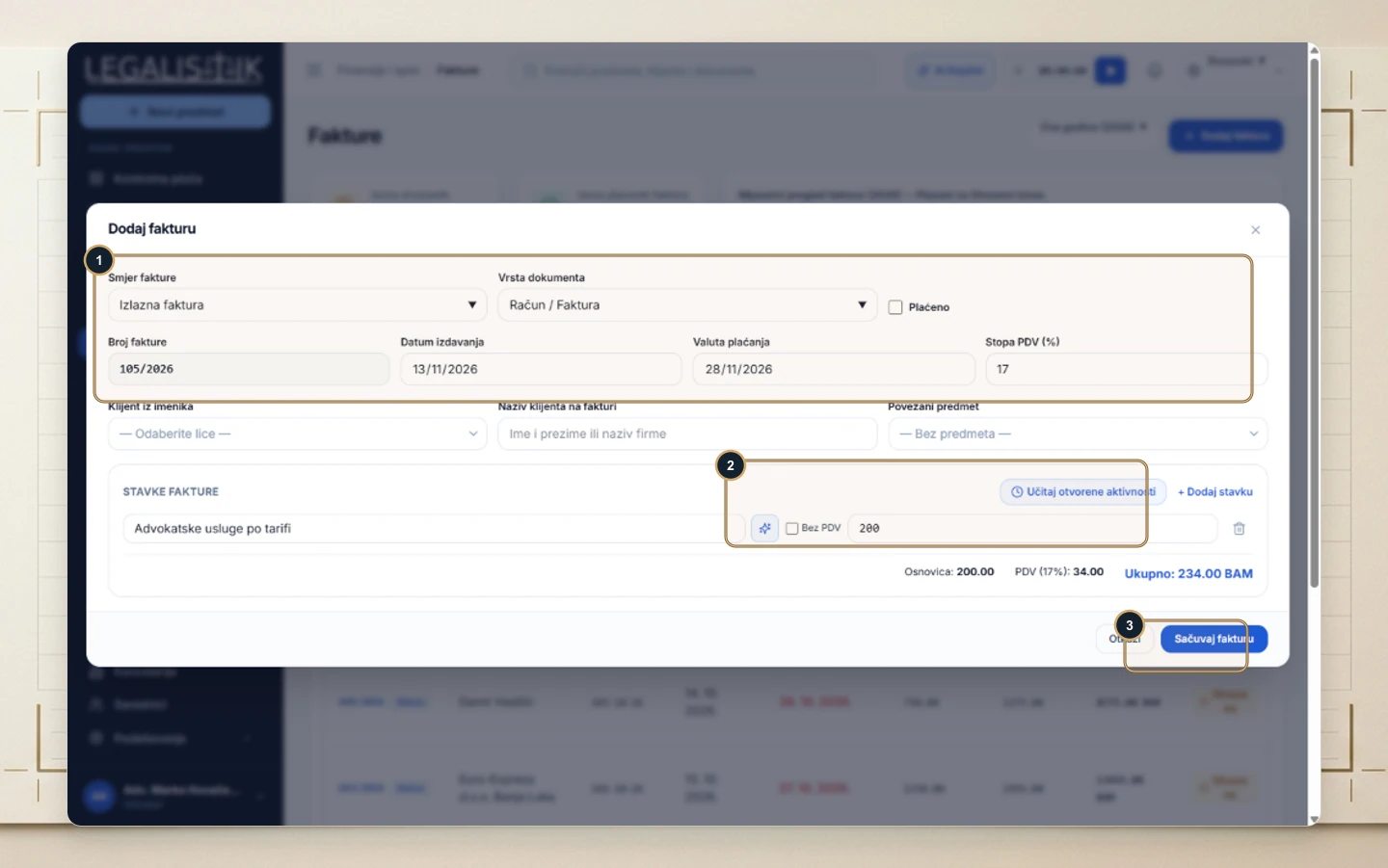
As detailed in the guide on converting logged activities into an invoice, firms choose between two rapid paths:
- Select unbilled entries inside the Activities ledger and click Create Invoice to auto-populate every line item.
- Open + Add Invoice, select the client or case, and click Load Open Activities—automatically marking transferred entries as Billed so nothing is double-invoiced.
Custom Letterheads, Multi-Currency Support & Overdue Control
Every invoice represents your firm’s brand. Upload your custom letterhead header image (850×200 px) and IBAN/bank footer in Office Settings, switch between three built-in PDF presets (Classic, Navy, Minimal), or upload a bespoke Word (.docx) invoice template.
Firms serving cross-border clients can issue invoices across EUR, BAM, RSD, USD, and CHF with clear net bases, VAT handling, and direct PDF/Word email delivery straight from the Invoices workspace. Optional automated tasks trigger on due dates so overdue receivables never age unnoticed.
Monthly Legal Billing Readiness Checklist
- Standardize service codes: Populate your firm’s tariff catalog once so associates pick verified task descriptions and rates consistently.
- Log activities daily: Record calls and court appearances immediately using the top-bar stopwatch or mobile web app.
- Separate pass-through disbursements: Flag non-taxable court stamps separately from taxable legal fees for clean bookkeeping.
- Issue proforma retainers upfront: Convert approved quotes into final invoices in one click once client funds clear.
- Review transparent seat pricing: Check full PRO billing capabilities and team discounts on our Pricing & Plans page.
Conclusion
Connecting live time capture, regional Bar tariff rules, and branded invoice generation ensures your law firm captures the full value of its legal work while delivering crystal-clear statements to clients and courts alike.