




Legalistik - Law Firm Management Software
Documents, Templates & Google Drive

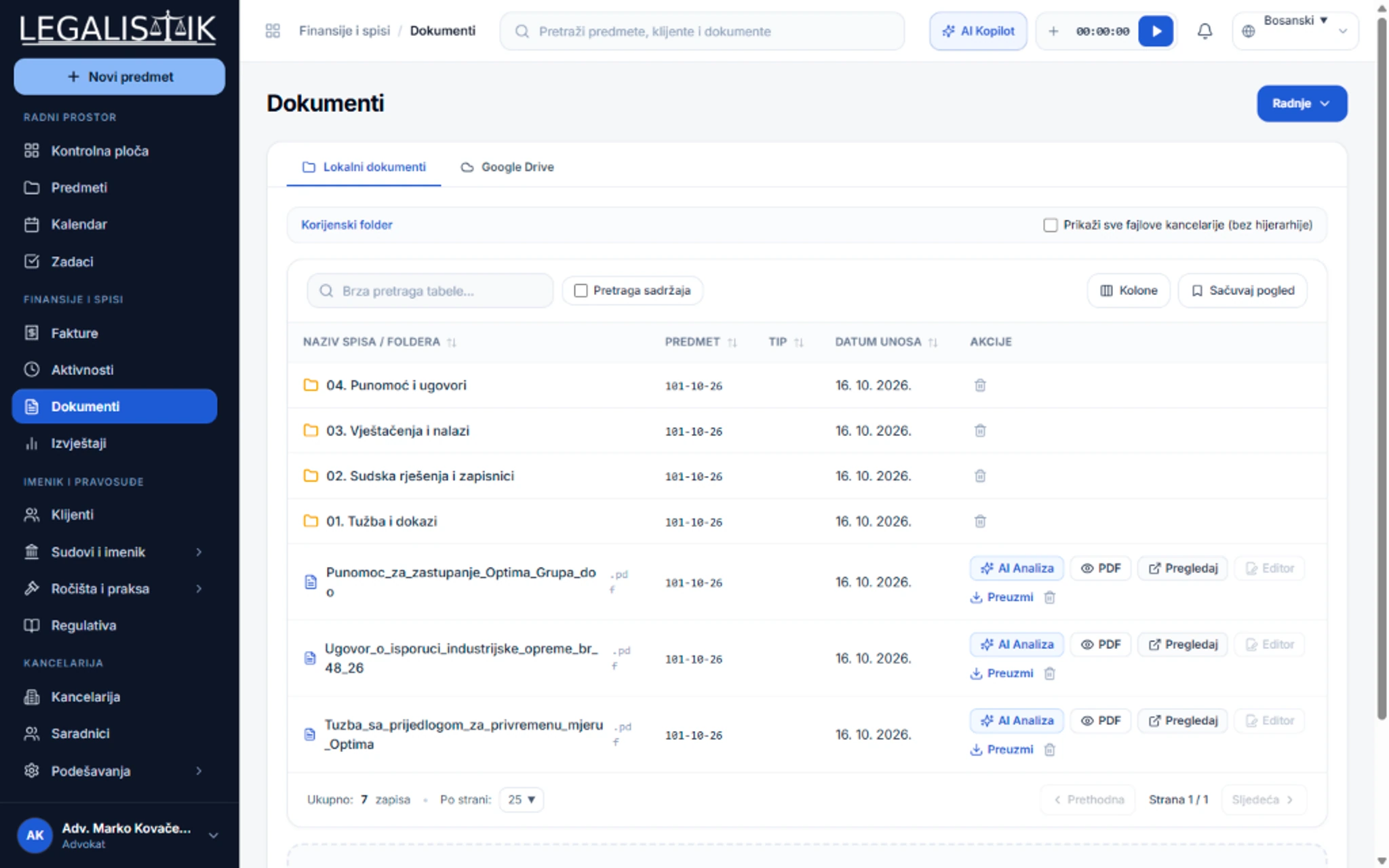
Smart Document Management, Templates & Full-Text Search

Stop hunting for files across local desktops and USB drives. Every contract, lawsuit, power of attorney, and court ruling is organized by case and accessible in a second.

Search documents by filename AND full-text content inside documents
Edit Word and Excel documents directly on your desktop via Legalistik Launcher with instant cloud auto-sync
Built-in online Word and Excel editor directly in your web browser without local Office software required
Generate contracts, powers of attorney, and lawsuits from templates auto-populated with case data
Choose between built-in Legalistik cloud storage and two-way Google Drive integration
app.legalistik.com/dokumenti
Smart Document Management, Templates & Full-Text Search
Inspect full view (2x)
01

Document Templates That Auto-Populate Case Data

Build reusable templates for powers of attorney, demand letters, enforcement motions, or contracts. Select a template inside any case and Legalistik automatically merges the client name, address, tax ID, opposing party, court, and case number.

  • Email one or multiple documents to clients with optional automatic PDF conversion
  • Toggle per-document visibility for clients using the client web portal
  • Organize files into custom folders inside every case
02

Legalistik Launcher & In-Browser Word/Excel Editing

Work with documents flexibly: use the built-in browser editor for quick edits, or open files via Legalistik Launcher in your desktop Word or Excel with automatic cloud synchronization upon saving.

  • Open DOCX and XLSX files directly in desktop Word and Excel on Windows workstations
  • Automatic background synchronization to the cloud whenever you click Save in Word or Excel
  • In-browser document and spreadsheet editing without requiring local office suites
  • Complete version history and concurrency safeguards preventing overwritten changes
app.legalistik.com
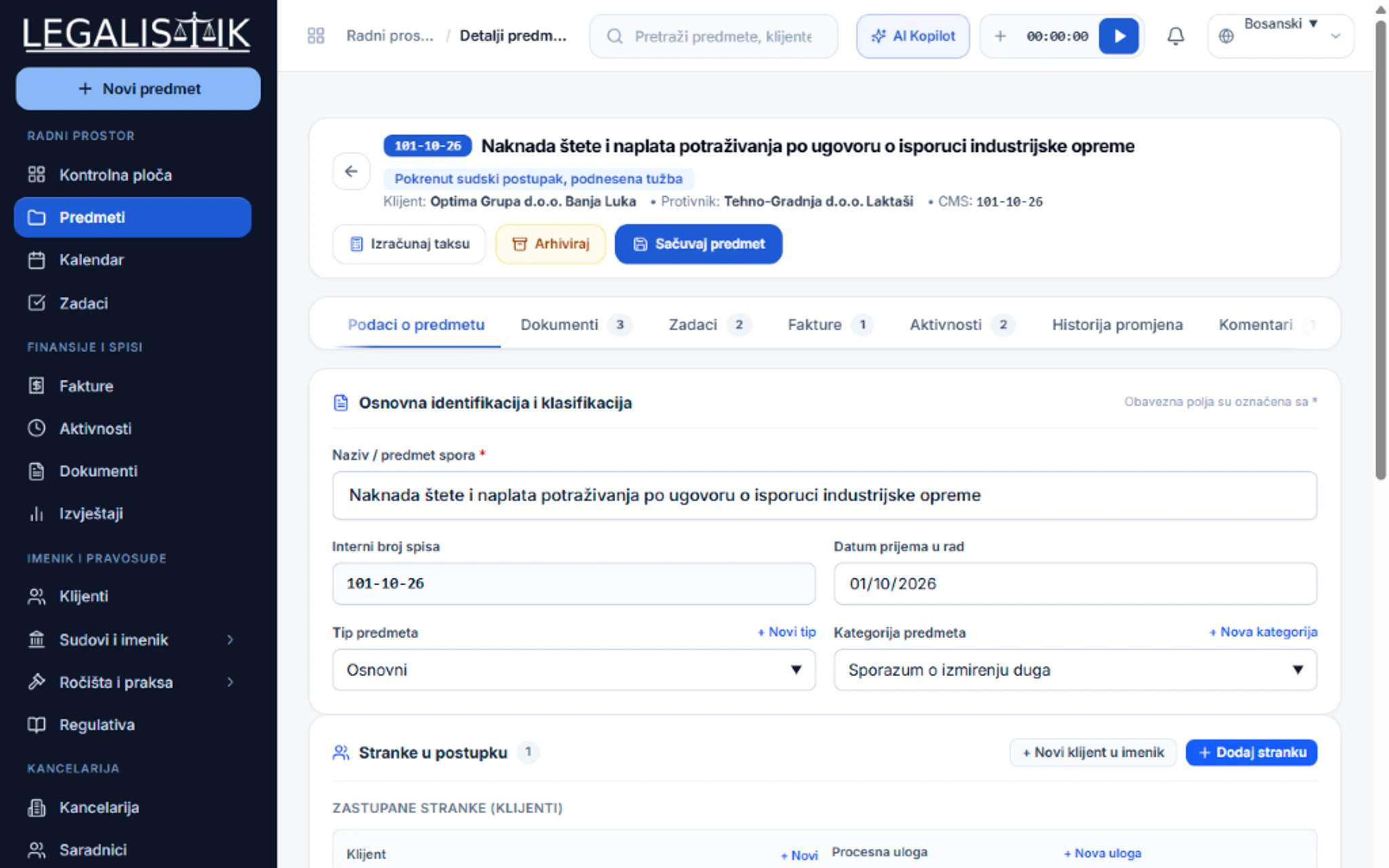
Documents, Templates & Google Drive - Detailed View
Inspect full view (2x)

Frequently Asked Questions

How does editing documents in Word and Excel via Legalistik Launcher work?

With the free Legalistik Launcher companion app, clicking a document in your browser opens it directly in desktop Microsoft Word or Excel on your computer. When you click Save, the updated version automatically syncs back to Legalistik. An in-browser online editor is also available for instant editing from any device.

Explore Other Platform Modules

Legalistik Cloud

Digitize your law practice with minimal cost

Join hundreds of attorneys and legal departments across the region saving hours of administrative work every day with Legalistik.

No credit card required • Full 30-day PRO trial • Cancel anytime

Try Free