




Getting Started 2 min read Updated: 2026-11-14
How to Sign In to Legalistik
You can sign in to your Legalistik workspace from any desktop or mobile browser.
Sign-In Steps
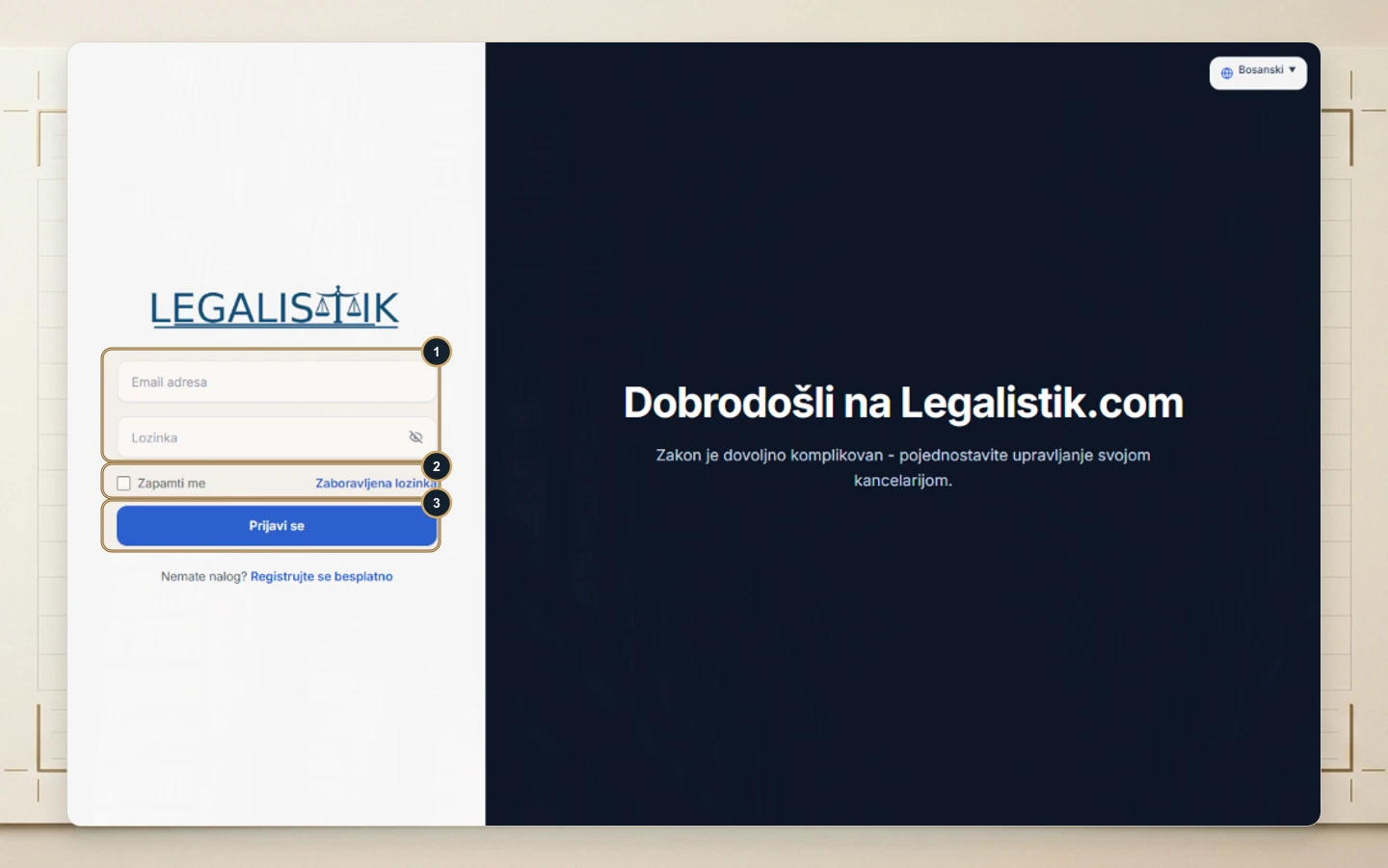
- Go to app.legalistik.com or click Sign In in the header of www.legalistik.com.
- (1) Enter your registered Email Address and Password. You can toggle password visibility with the eye icon if needed.
- (2) Check Remember me on trusted private devices to stay signed in, or click Forgot password if you need to recover access.
- (3) Click Sign In to open your main dashboard. Use the top-right language selector to switch between English, Bosnian, Serbian, and Croatian at any time.
Secure Sign-In Best Practices
If you just created your firm workspace, confirm the verification email sent to your inbox before signing in for the first time. On shared office desktops or courtroom laptops, leave Remember me unchecked so sessions do not stay open for the next person. For login errors, see Troubleshooting Password & Sign-In Issues.
