




Getting Started 2 min read Updated: 2026-11-14
How to Register on Legalistik
Setting up a new Legalistik account for your law firm takes less than two minutes.
Registration Steps
- Navigate to app.legalistik.com to open the registration page.
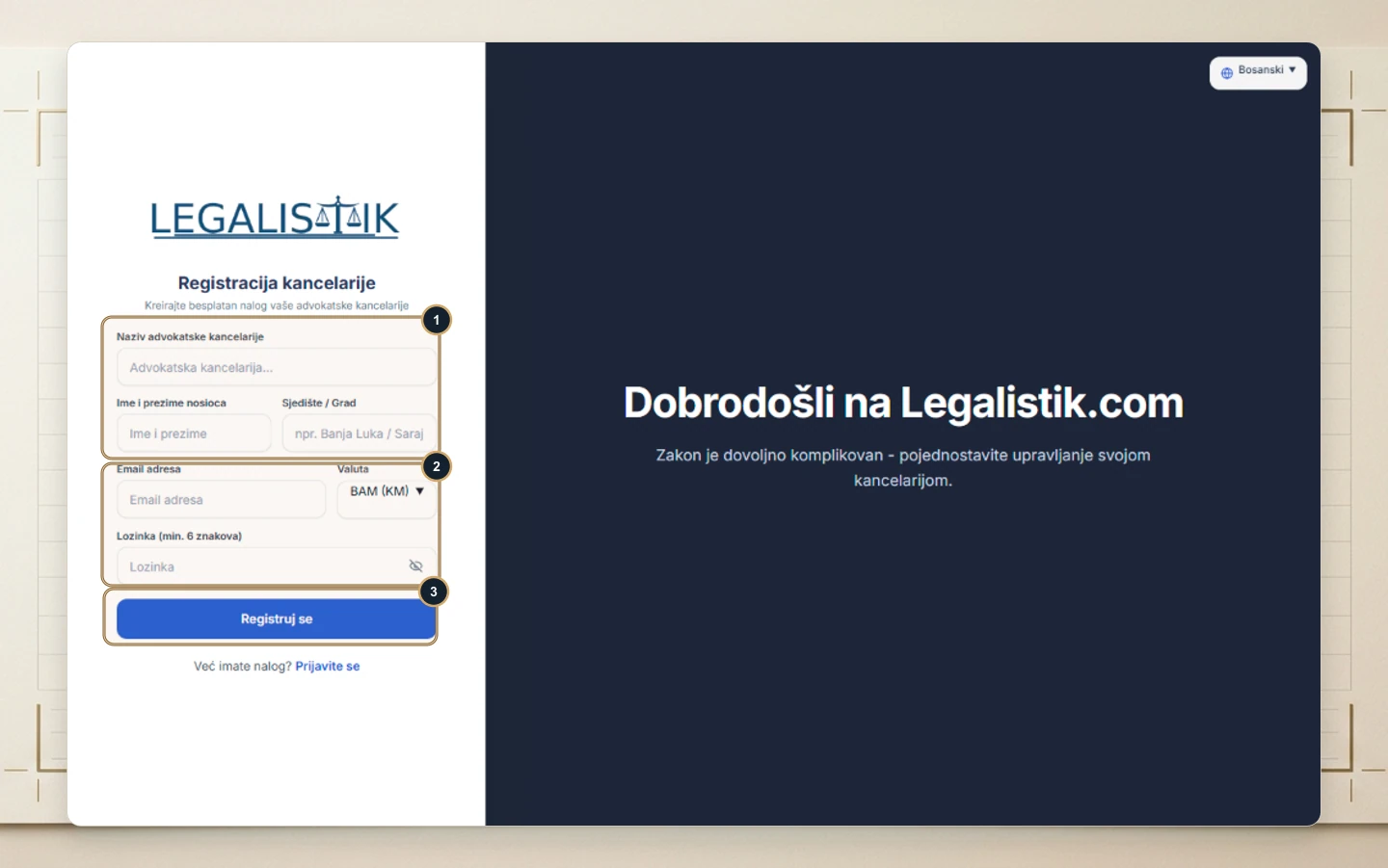
- (1) Enter your Law Office Name, Lead Attorney Name, and City / Headquarters.
- (2) Enter your work Email Address, choose your primary Currency (e.g., EUR, USD, BAM, RSD), and set a secure Password (minimum 6 characters).
- (3) Click Register to provision your workspace.
Email Verification
Check your inbox (and spam folder) immediately after registering and click the verification link before your first sign-in.
