




Getting Started 2 min read Updated: 2026-11-14
How to Reset Your Password
If you forgot your password, you can set a new one in under a minute using email verification.
Password Recovery Steps
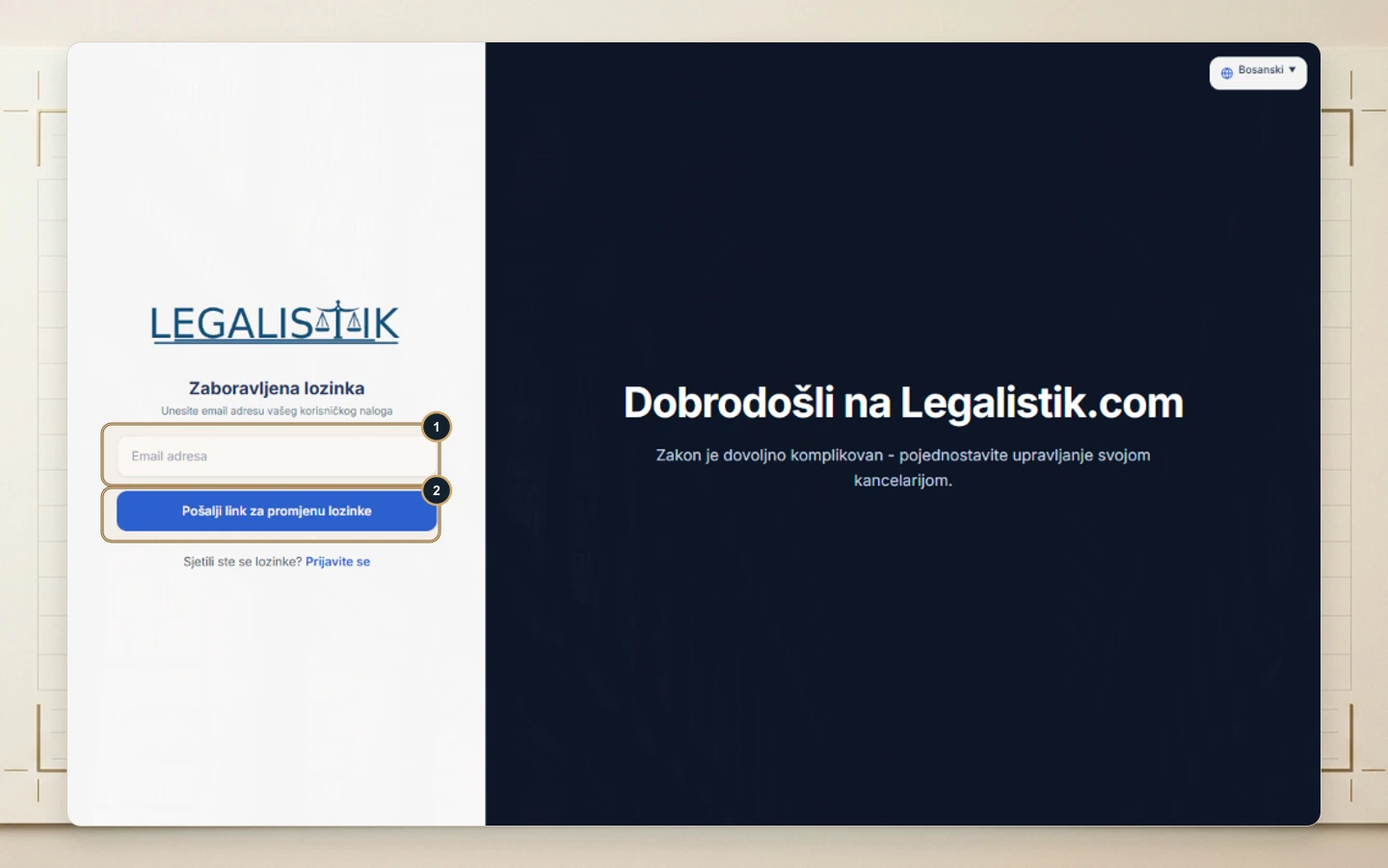
- Open app.legalistik.com and click Forgot password below the password input.
- (1) Enter the Email Address tied to your Legalistik account.
- (2) Click Send password reset link.
- Open the email sent to your inbox, click the reset link, type your new password, and sign back in.
If the Reset Email Does Not Arrive
- Check Spam or Junk folders: Automated mail filters occasionally route verification links away from your primary inbox.
- Verify your work email: Make sure you enter the exact email address your firm administrator used when creating your associate account.
- Further troubleshooting: See Troubleshooting Password & Sign-In Issues if sign-in still fails.
