




Cases & Matters 2 min read Updated: 2026-11-14
Table Column Display & Saved Views
Control exactly which data points appear across your Cases, Tasks, Invoices, Clients, and Documents tables.
Selecting Visible Columns
- Open Cases (or any module table) and click (2) Columns on the table toolbar, next to Save View.
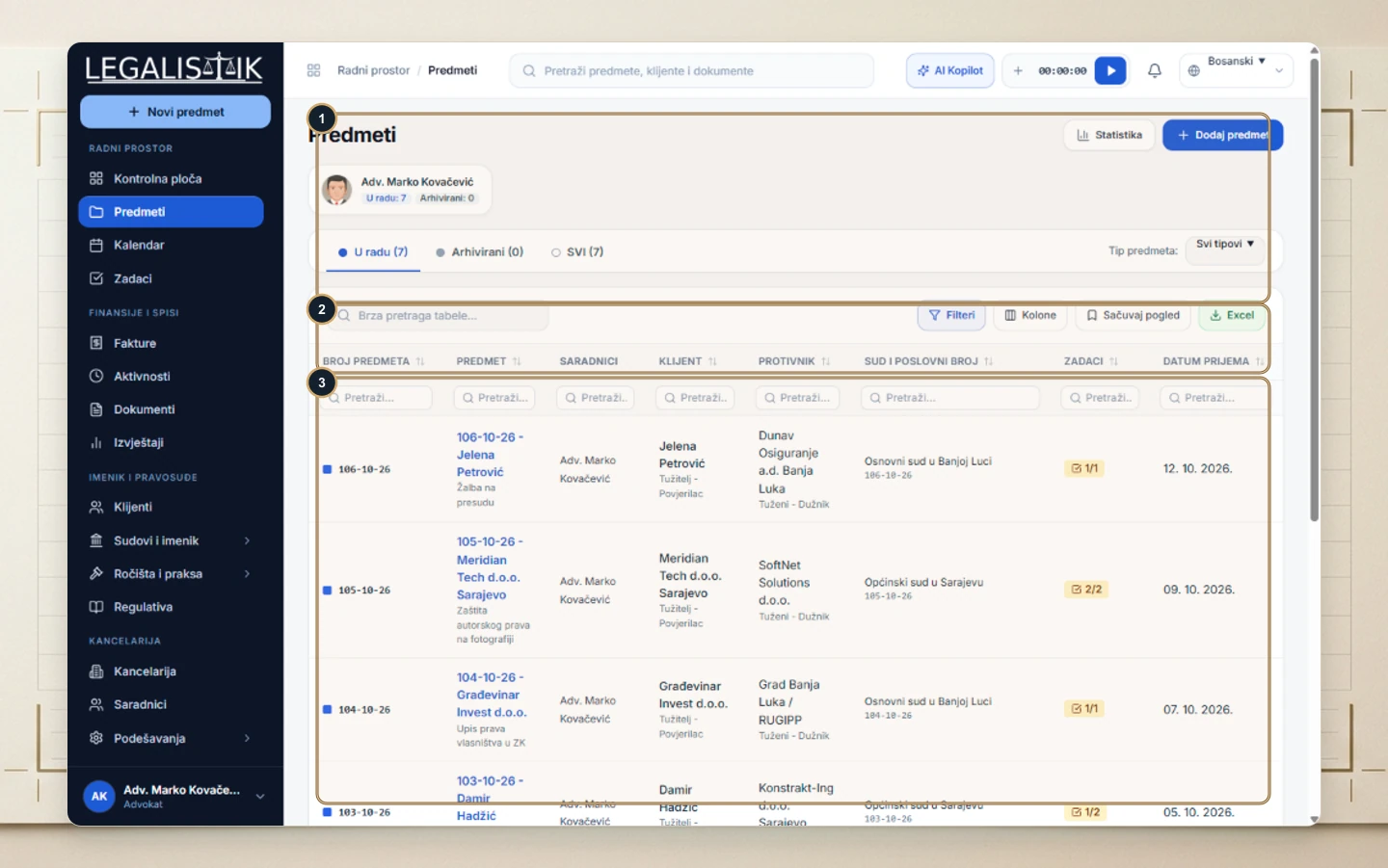
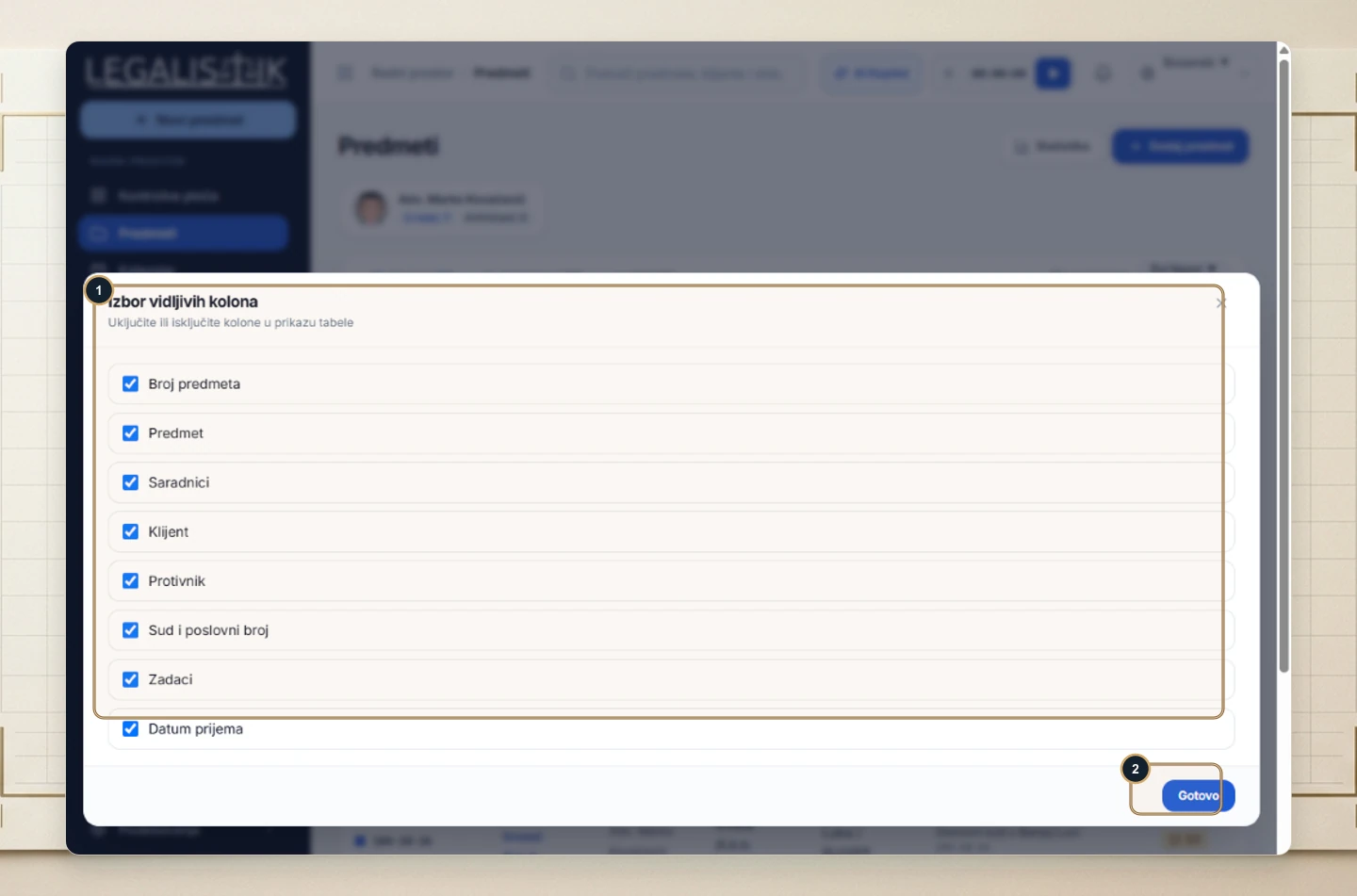
- (1) In the Visible Columns modal, toggle fields on or off (Case Number, Matter, Associates, Client, Opposing Party, Court & Docket, Tasks, Intake Date).
- (2) Click Done to immediately update your table layout.
Saving Custom Filter Combinations with Saved Views
After choosing visible columns and applying table filters (for example, active matters for a corporate retainer client), click Save View next to Columns to bookmark that setup for one-click access. Column visibility preferences remain personal to your user profile.
