




Documents & Templates 2 min read Updated: 2026-11-14
Online Document Editing & AI Analysis
No more downloading files, editing locally, and re-uploading new versions to the docket. Legalistik includes a built-in Online Docs Editor (docs.legalistik.com) and one-click AI Analysis.
Document Actions Inside Cases and Global Vault
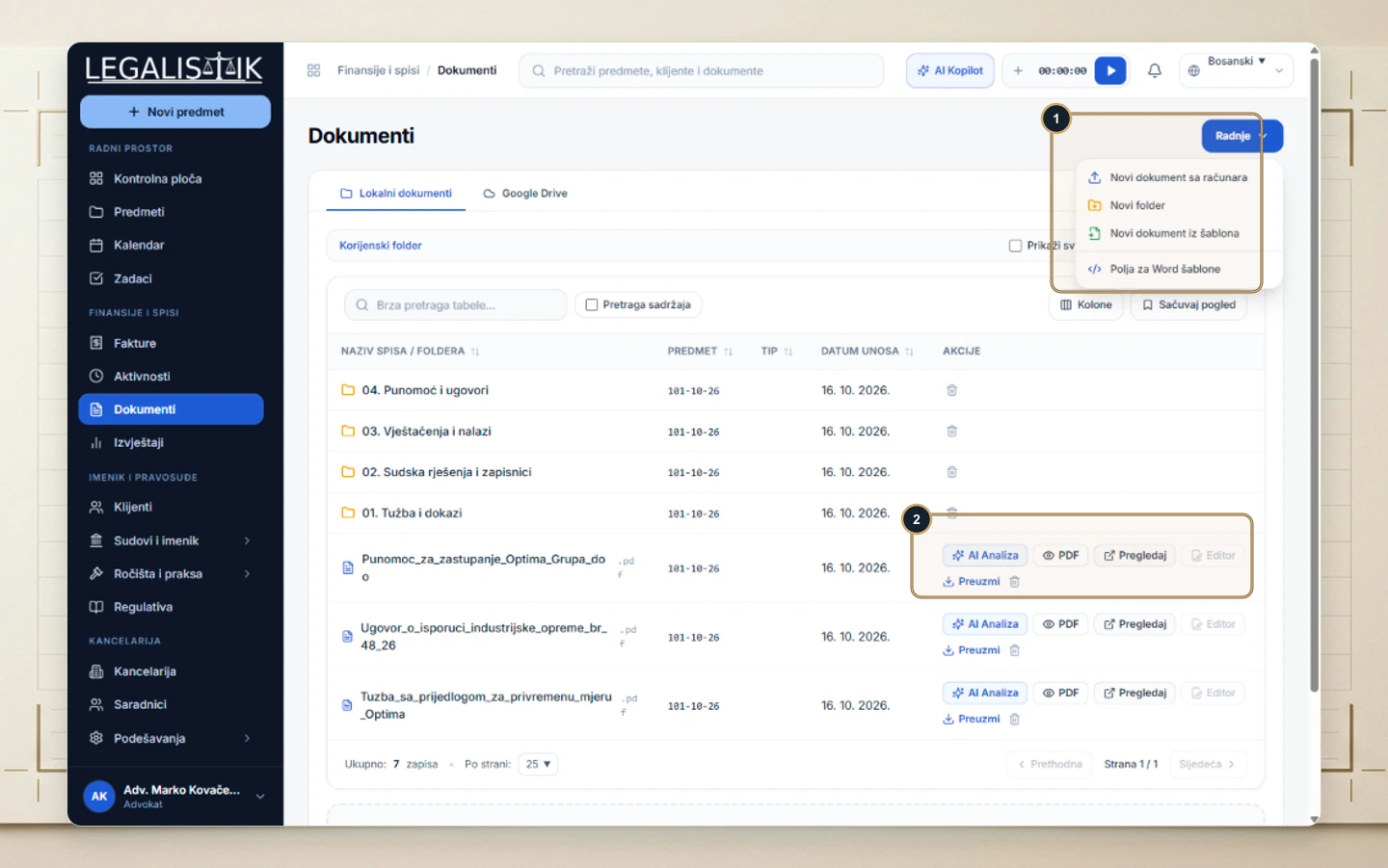
- Open the Documents module or any case’s Documents tab.
- (1) Click Actions to upload from disk, create a subfolder, generate a filing from a Word template, or inspect merge fields.
- (2) Every row includes quick actions: AI Analysis, PDF preview, Inspect, Editor (opens in
docs.legalistik.com), and Download.
Editing in the Online Docs Editor
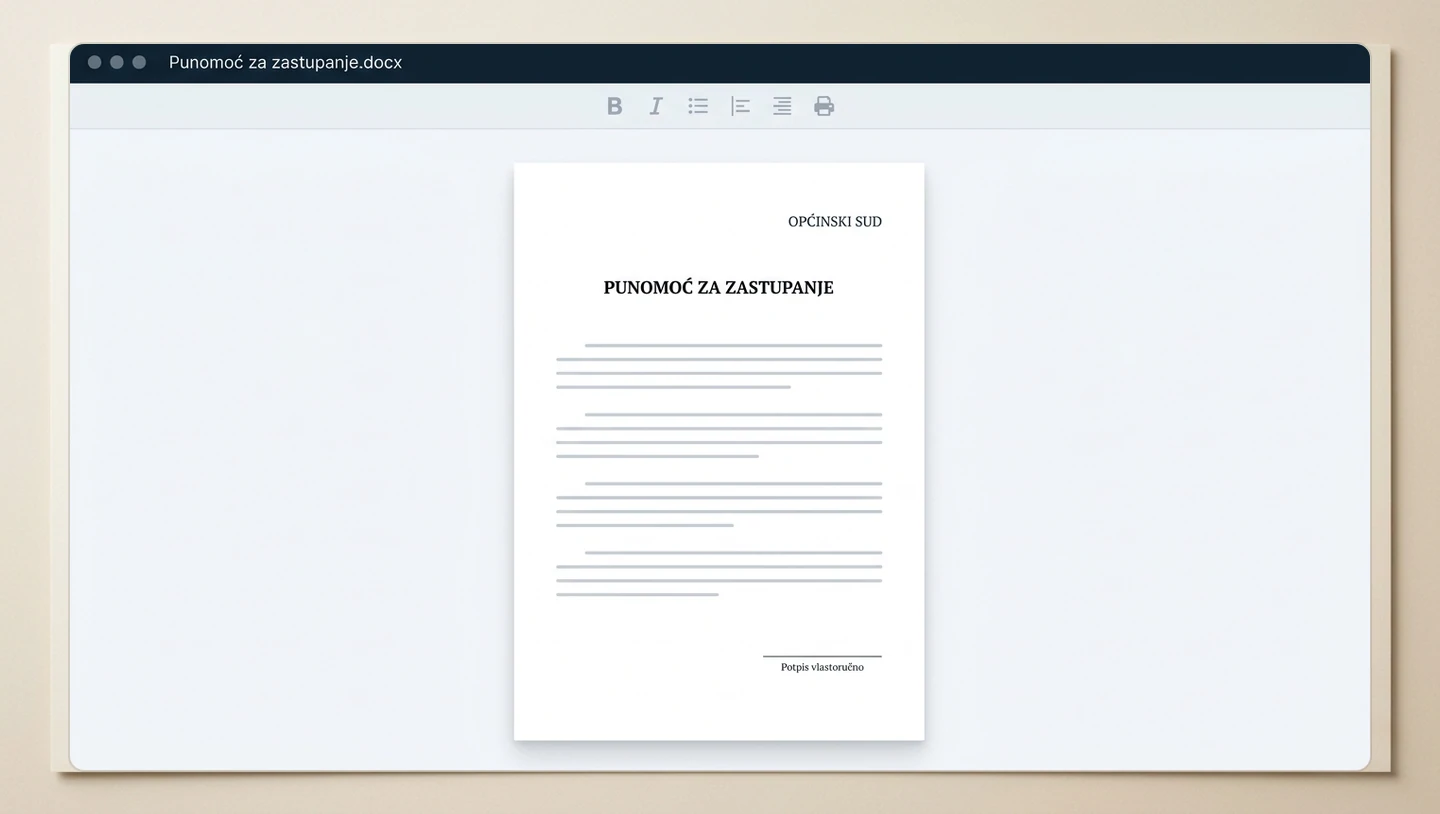
Clicking Editor opens Word (.docx) and Excel (.xlsx) files inside docs.legalistik.com. Every formatting edit, caption update, and signature block saves right back to the matter file without version mix-ups.
Working with PDF Pleadings & Orders
For final PDFs such as court judgments or signed agreements, click AI Analysis so the local Legal AI Copilot extracts key parties, appeal deadlines, and risk clauses cleanly.
