Legalistik Mobile App Review: Law Firm in Your Pocket
Modern legal practice no longer stays inside a single office room. Between morning hearings across different courthouses, on-site client inspections, and business travel, instant access to accurate case numbers, attached evidence, and upcoming deadlines shapes how efficiently an attorney works. An independent review published on the regional legal portal Pravni Blog highlighted the Legalistik mobile application for putting an entire law office into an attorney’s pocket without sacrificing clarity on small screens.
Instead of hauling thick physical binders into court or calling the office to verify a contract clause, the Legalistik Mobile App brings every case file, court calendar event, document, and associate task directly to your smartphone in real time.
Fast Setup on Android & iOS Devices
Legalistik gives attorneys two friction-free ways to access their workspace on mobile:
- Native Android App on Google Play: Install the official Legalistik Android app and sign in with your existing firm credentials—no local VPN or server setup required.
- Progressive Web App (PWA) for iPhone (iOS) & Android: Open
pwa.legalistik.comorapp.legalistik.comin Safari or Chrome and tap Add to Home Screen for a full-screen app experience without a browser address bar, as detailed in our guide to installing Legalistik on mobile devices.
Instant Case & Document Access from the Courtroom
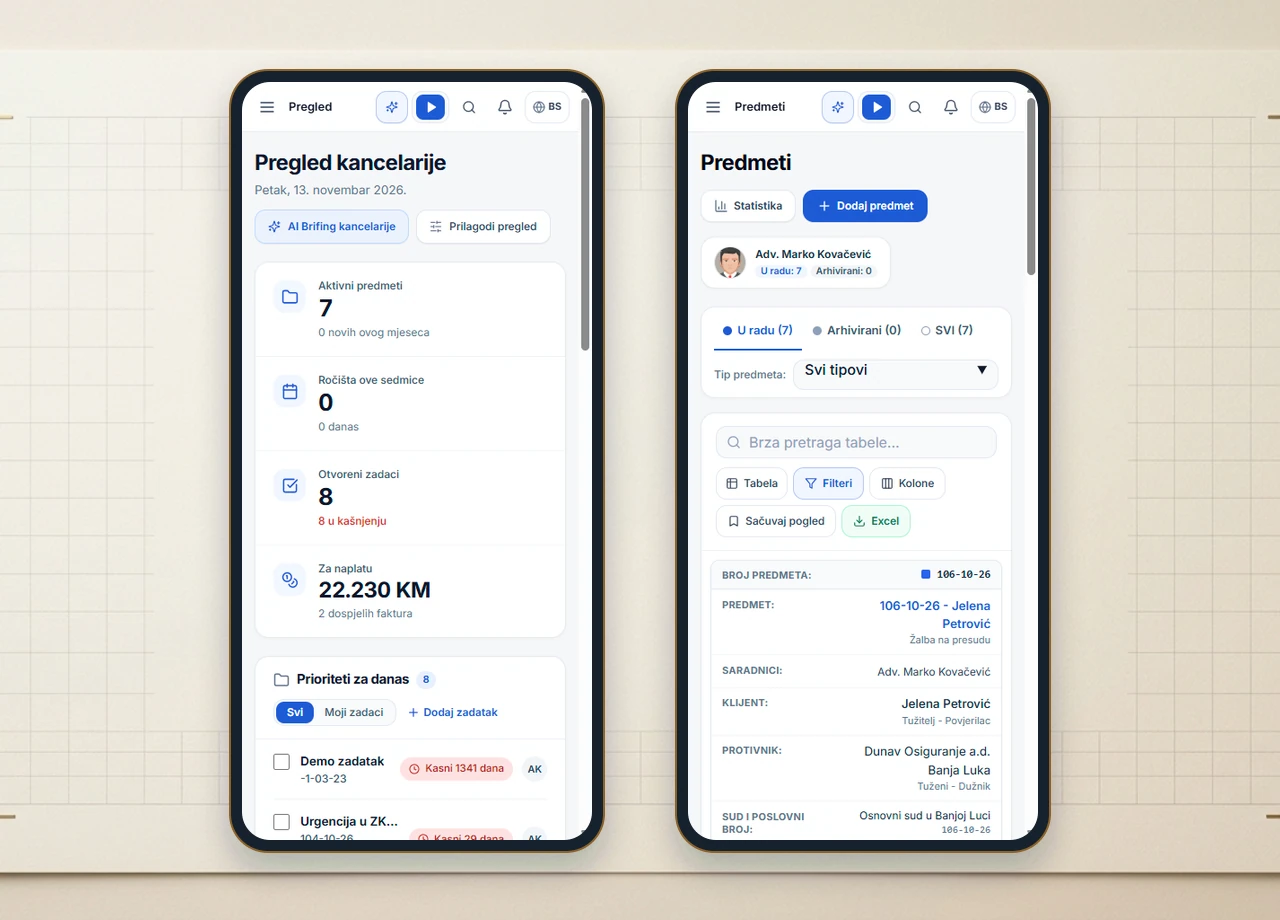
Many web-based legal tools struggle on phones because dense data tables force awkward horizontal scrolling and pinching. Legalistik’s mobile interface automatically transforms the Cases registry into clean, vertical cards engineered for one-handed operation.
Each card highlights the internal file number, client, opposing party, and official court docket reference immediately. Using global search in the top header bar, attorneys can pull up a pleading PDF, inspect a contract exhibit, or launch AI Copilot right from the courthouse corridor before a hearing begins.
Always-Visible Quick Action Header
Across every screen in the mobile app, the compact top bar keeps four essentials one tap away:
- Activity Timer (Stopwatch): Start tracking billable time the moment a client call or on-site consultation begins so no fee item slips through the cracks.
- Global Search: Locate any client, matter, or PDF attachment within seconds by keyword or court number.
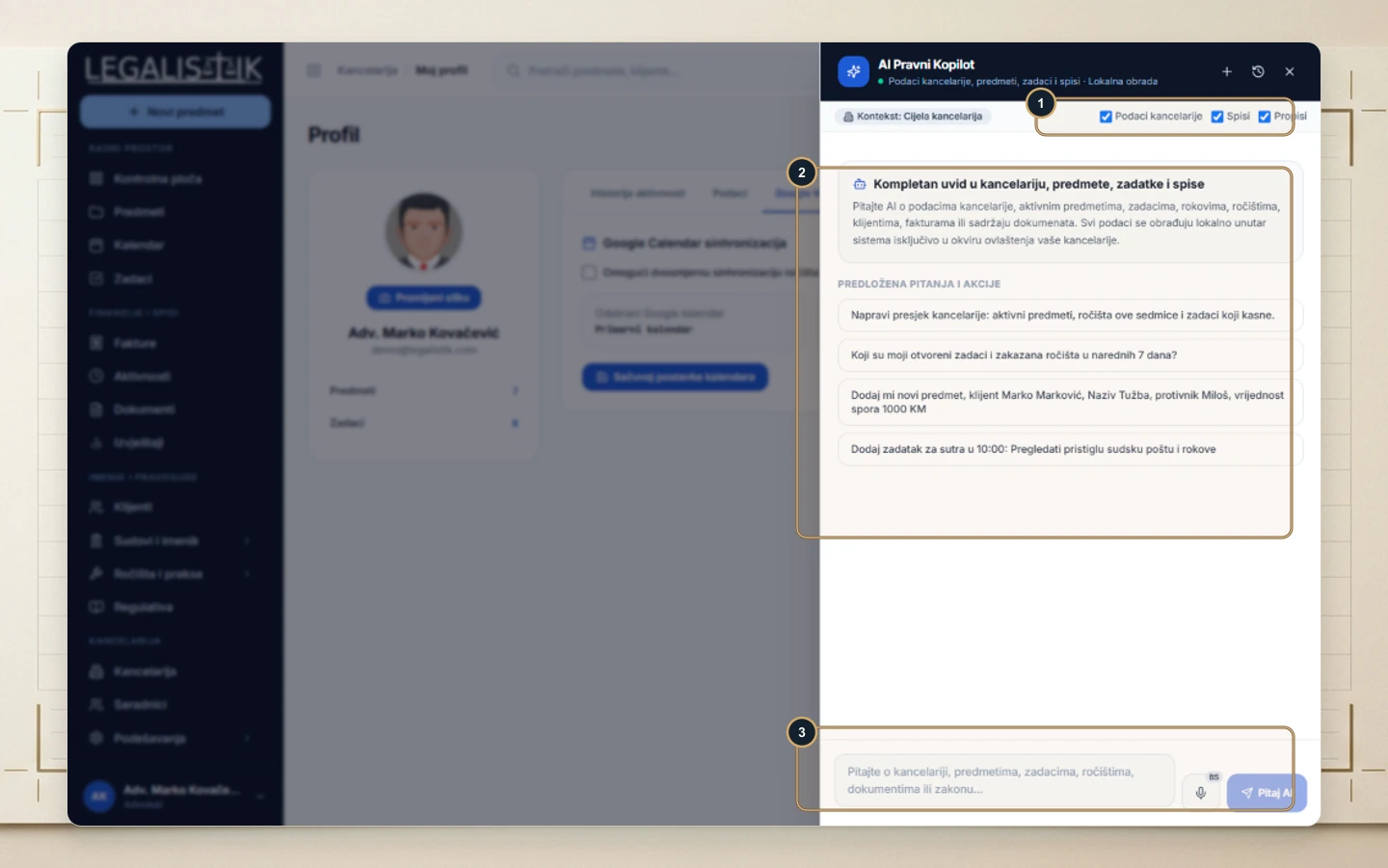
- AI Copilot: Summarize a lengthy filing or confirm key procedural dates while away from your desk.
- Notification Bell: Monitor newly assigned associate tasks, internal comments, and approved online client bookings.
Hearing Agendas, Task Check-Ins & Billing Overview
Agenda View & Immediate Hearing Entry
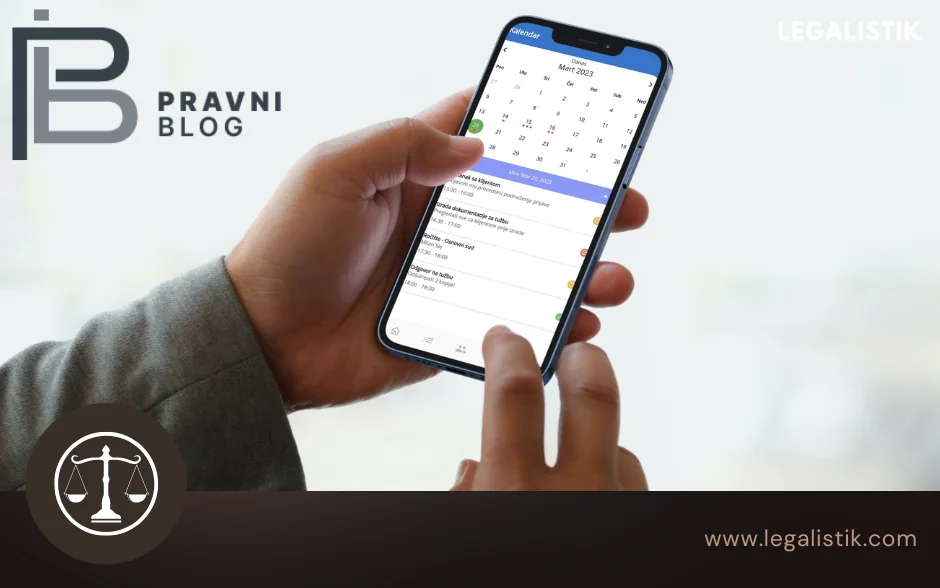
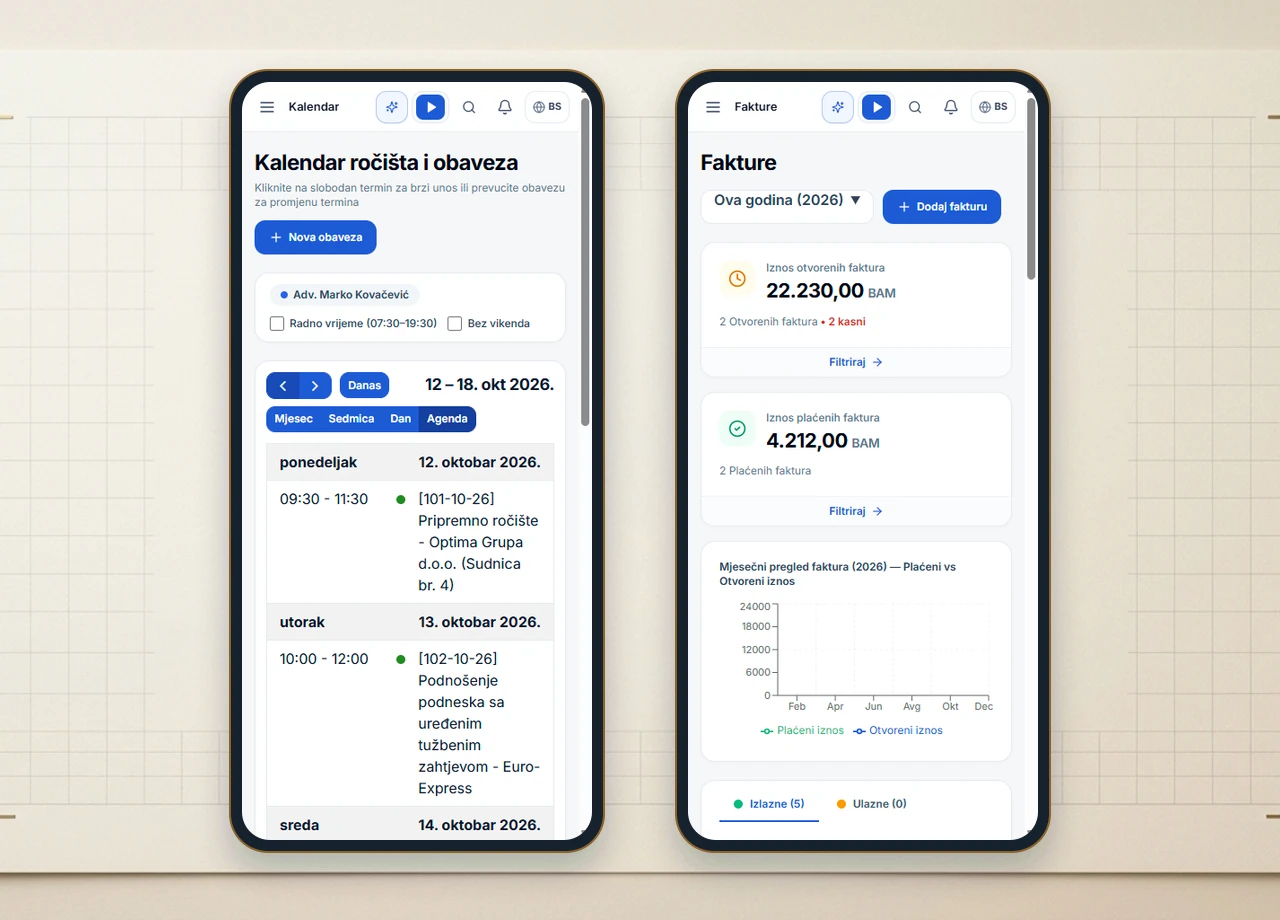
On smartphones, the Calendar automatically highlights the chronological Agenda view, listing upcoming court hearings, statutory deadlines, and client meetings day by day. The moment a judge sets the next hearing date, tap + New Task / Event at the top of the screen while still at court—your update syncs immediately with your office team and Google Calendar. For quick statutory date checks during preparation, you can also open the free Court Deadline Calculator.
Team Task Check-Ins & Invoice Tracking
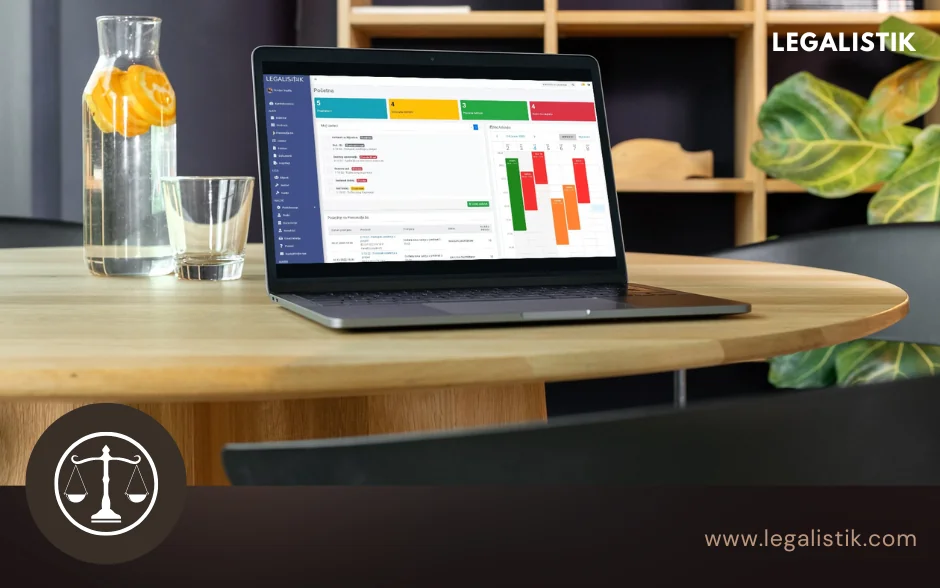
Alongside your calendar, the mobile Dashboard surfaces Today’s Priorities, active and overdue tasks, and collaborator updates so partners can check progress between meetings. The mobile Invoices screen displays open overdue balances, collected payments, and a monthly revenue chart at a glance.
Verdict & External Review Reference
Mobile access is included at zero extra cost across Legalistik plans—compare tier options on our Pricing page. You can also read the original regional feature on Pravni Blog covering Legalistik on mobile, or book a free live demo to test desktop and mobile workflows with your own case scenarios.