How Legalistik Tools Cut Paper Usage by 90%
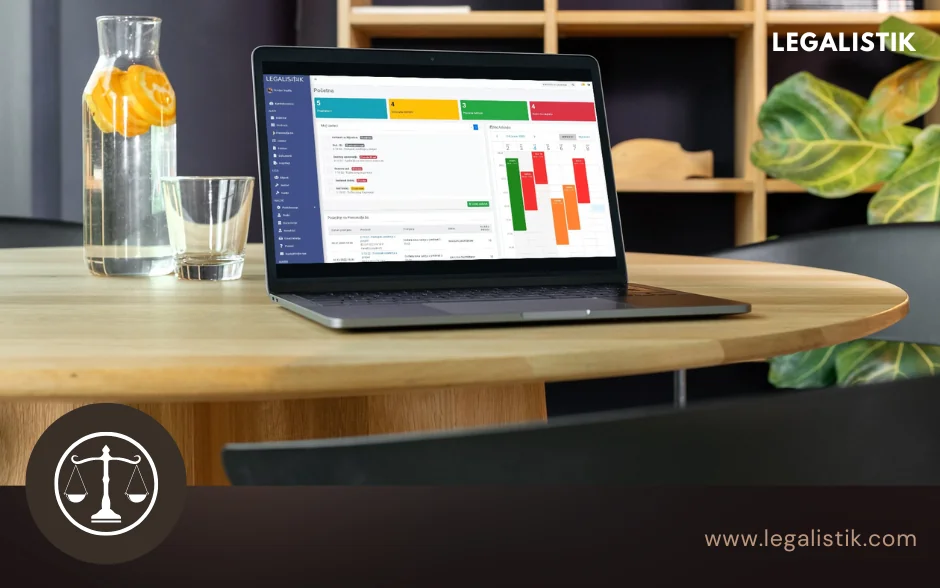
Running a modern law firm efficiently means eliminating redundant binders, repetitive printing, and physical file shuffling wherever legally possible. Legalistik brings together an integrated set of digital modules that help law offices reduce internal paper usage by up to 90% while retrieving every document in seconds.
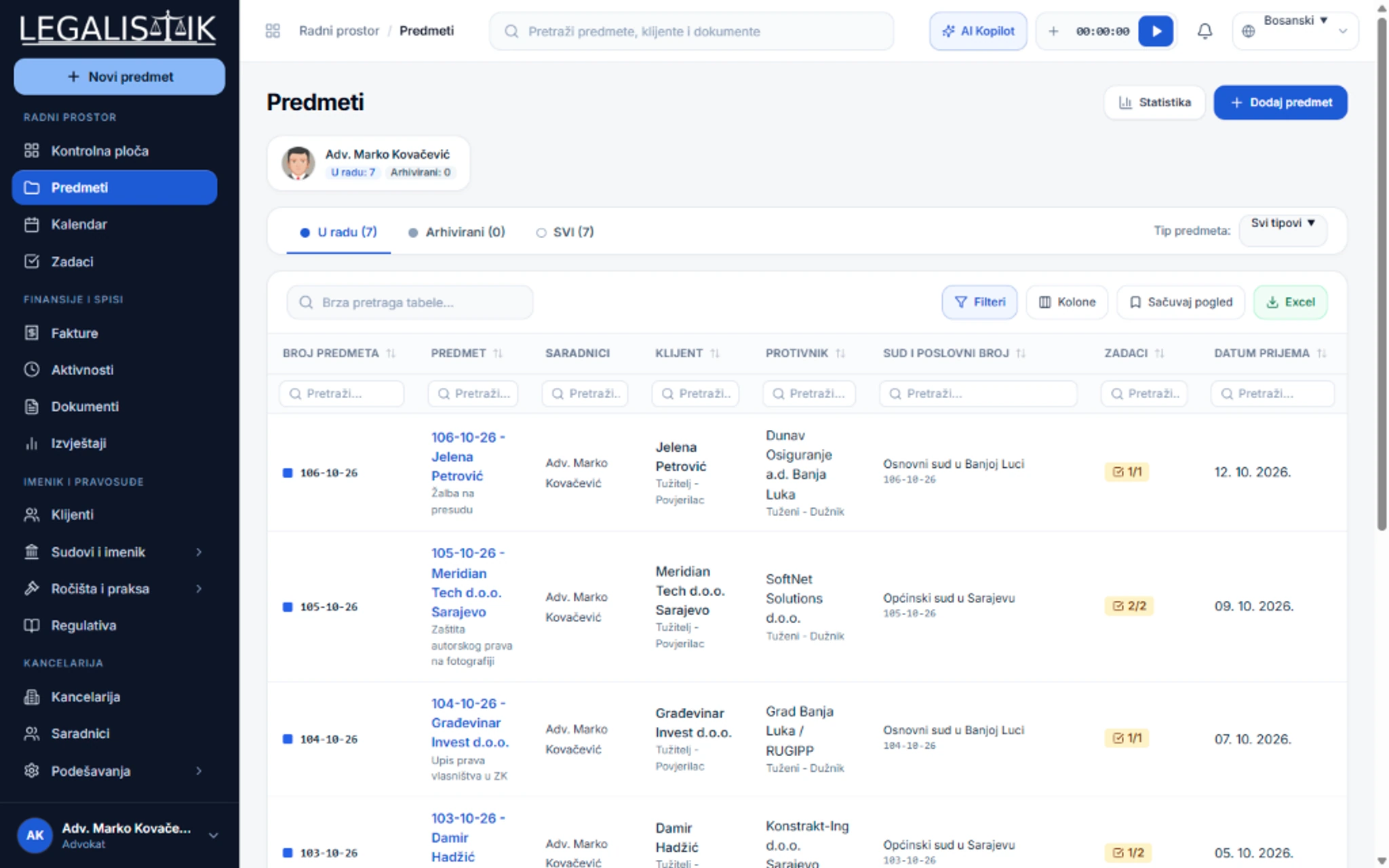
Digital Case Folders & Full-Text Document Management
Moving pleadings, contracts, and evidence scans into digital case dossiers immediately cuts spending on copy paper, printer toner, binders, and archival shelving. Beyond supply savings, attorneys gain three decisive workflow upgrades:
- Instant Search & Remote Retrieval: Locate any PDF, contract scan, or brief by keyword within seconds from the office, home, or courthouse.
- Zero Risk of Lost Originals: Cloud backups protect your files against accidental coffee spills, misfiled binders, or physical transit loss.
- Frictionless Team Collaboration: Multiple attorneys and trainees review and annotate the same dossier simultaneously without printing copies for every partner.
Electronic Invoicing & Payment Tracking
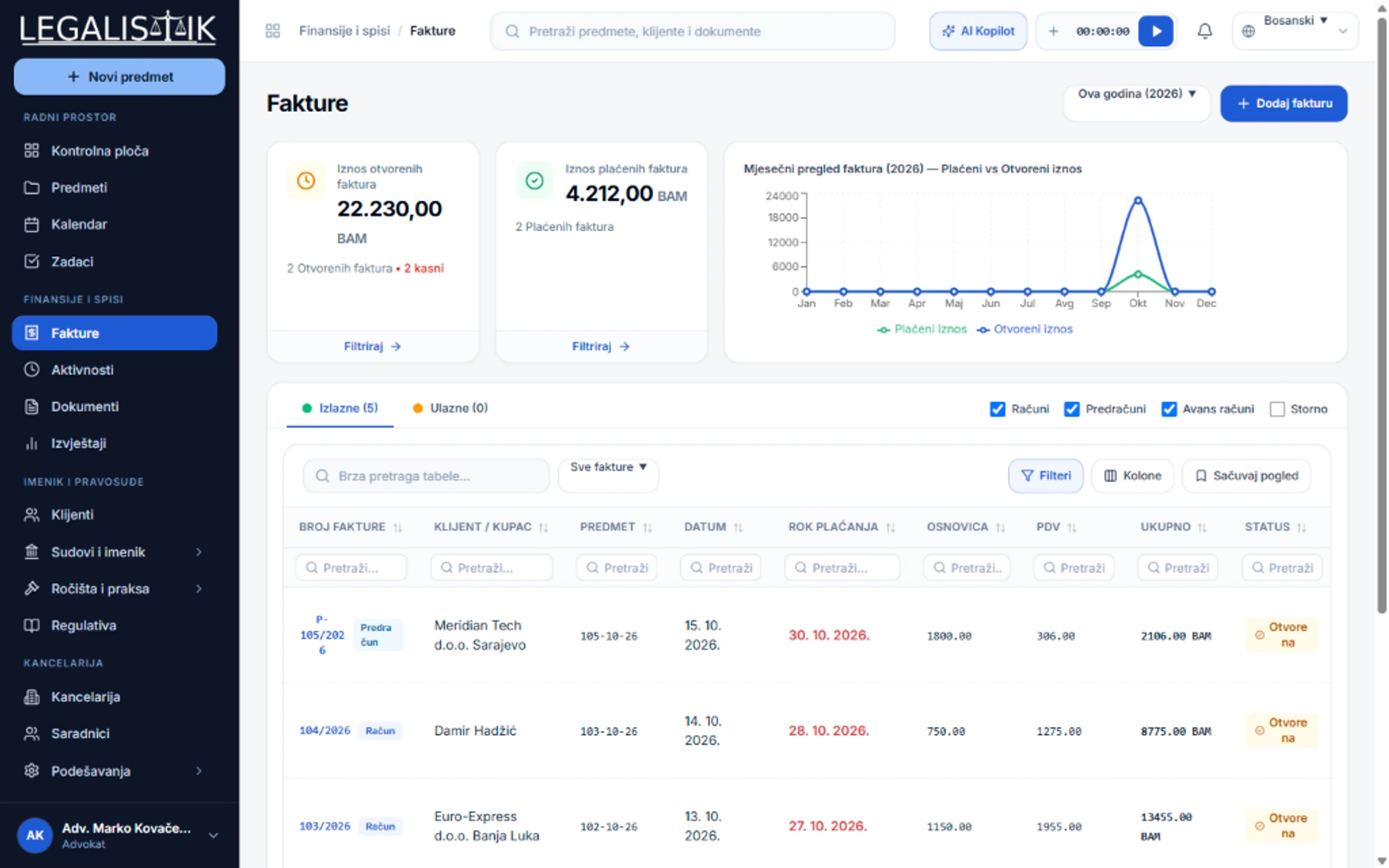
Billing workflows traditionally generate reams of printed timesheets, cover letters, and duplicate paper invoices. Legalistik automates the entire cycle:
- One-Click PDF Creation & Email Delivery: Convert logged billable activities into branded invoices and pro-forma statements and email them directly to clients without touching a printer.
- Real-Time Receivables Visibility: Track paid, pending, and overdue balances across outgoing and incoming invoices from a unified financial screen.
Cloud Legal Calendar & Digital Task Checklists
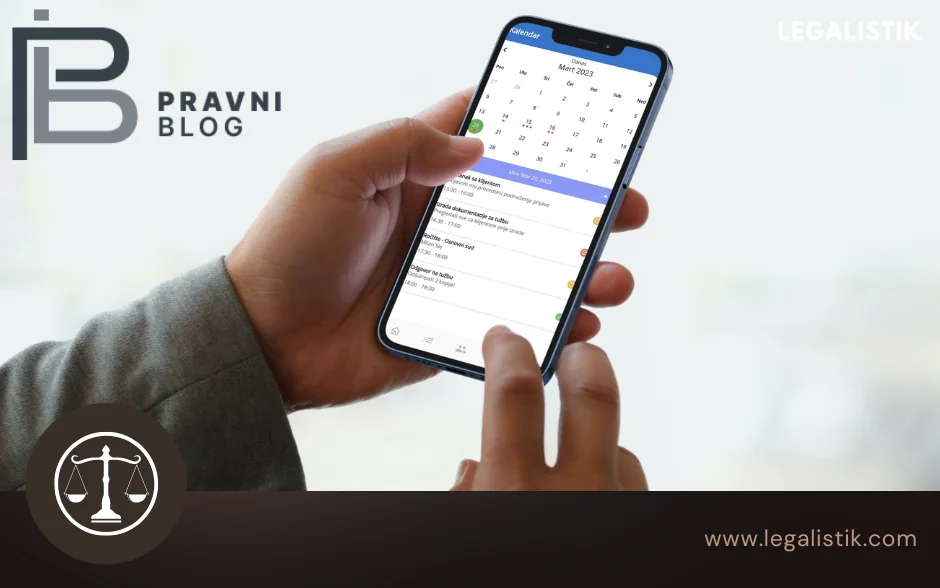
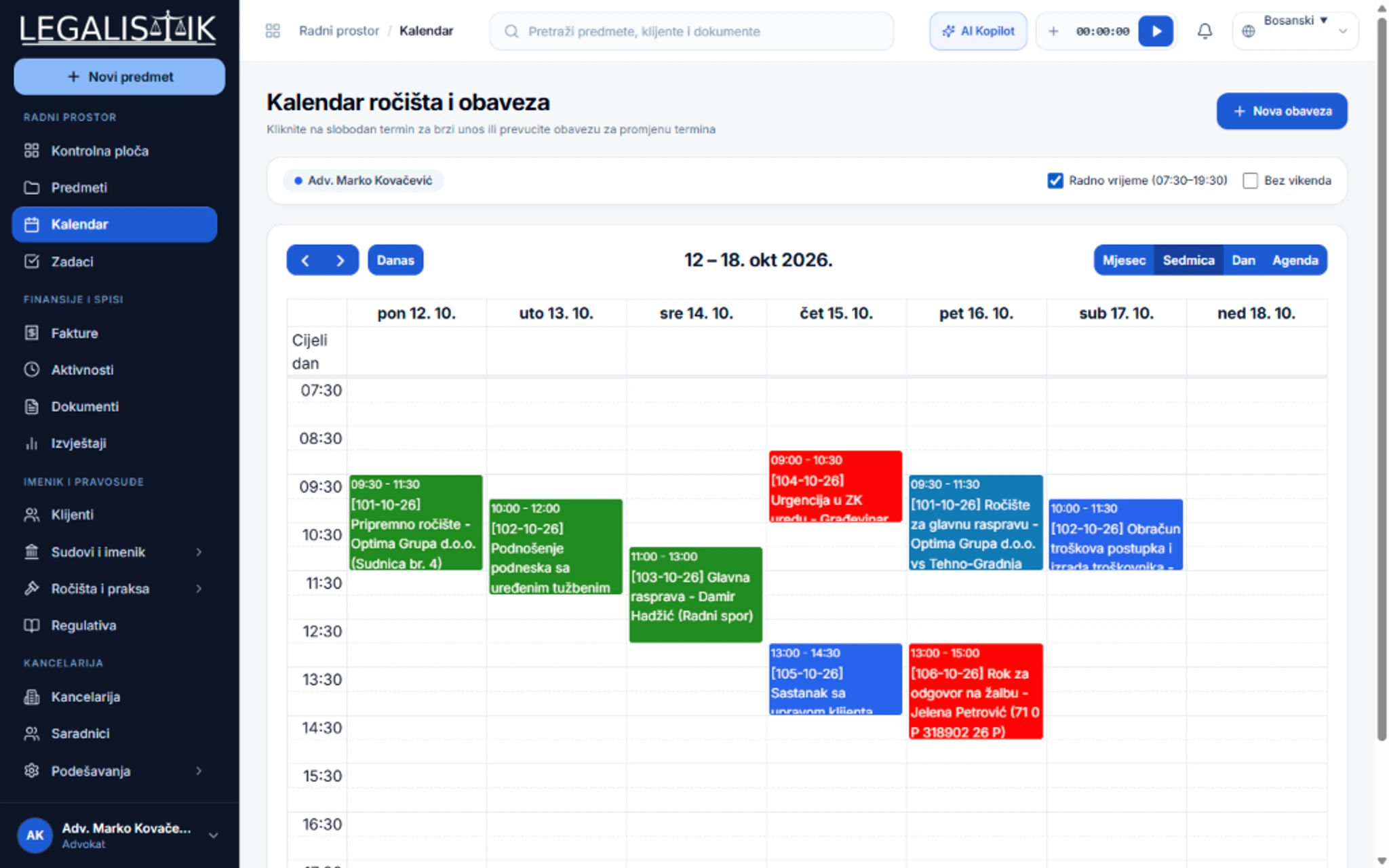
Replace handwritten desk diaries and sticky notes with a synchronized cloud calendar accessible across desktop and mobile:
- Everywhere Access: Review upcoming court hearings and statutory deadlines directly from your laptop or smartphone.
- Proactive Automated Alerts: Receive timely email and in-app notifications ahead of crucial procedural dates.
- Seamless Team Synchronization: Partners and associates see schedule adjustments and newly delegated tasks the moment they happen.
Practical Habits for a Paper-Light Law Practice
- Scan incoming court mail at intake and attach the searchable PDF directly inside the matching case dossier.
- Record meeting notes and consultation summaries inside case comments rather than loose paper pads.
- Avoid printing documents already accessible on court e-filing portals—keep organized copies inside Legalistik folders instead.
Conclusion
By adopting digital case dossiers, electronic invoicing, and cloud scheduling, law offices drastically cut paper waste, reduce overhead, and work faster from anywhere. Explore all Legalistik features, compare plans on our Pricing page, test the free Court Deadline Calculator, or schedule a free demo.