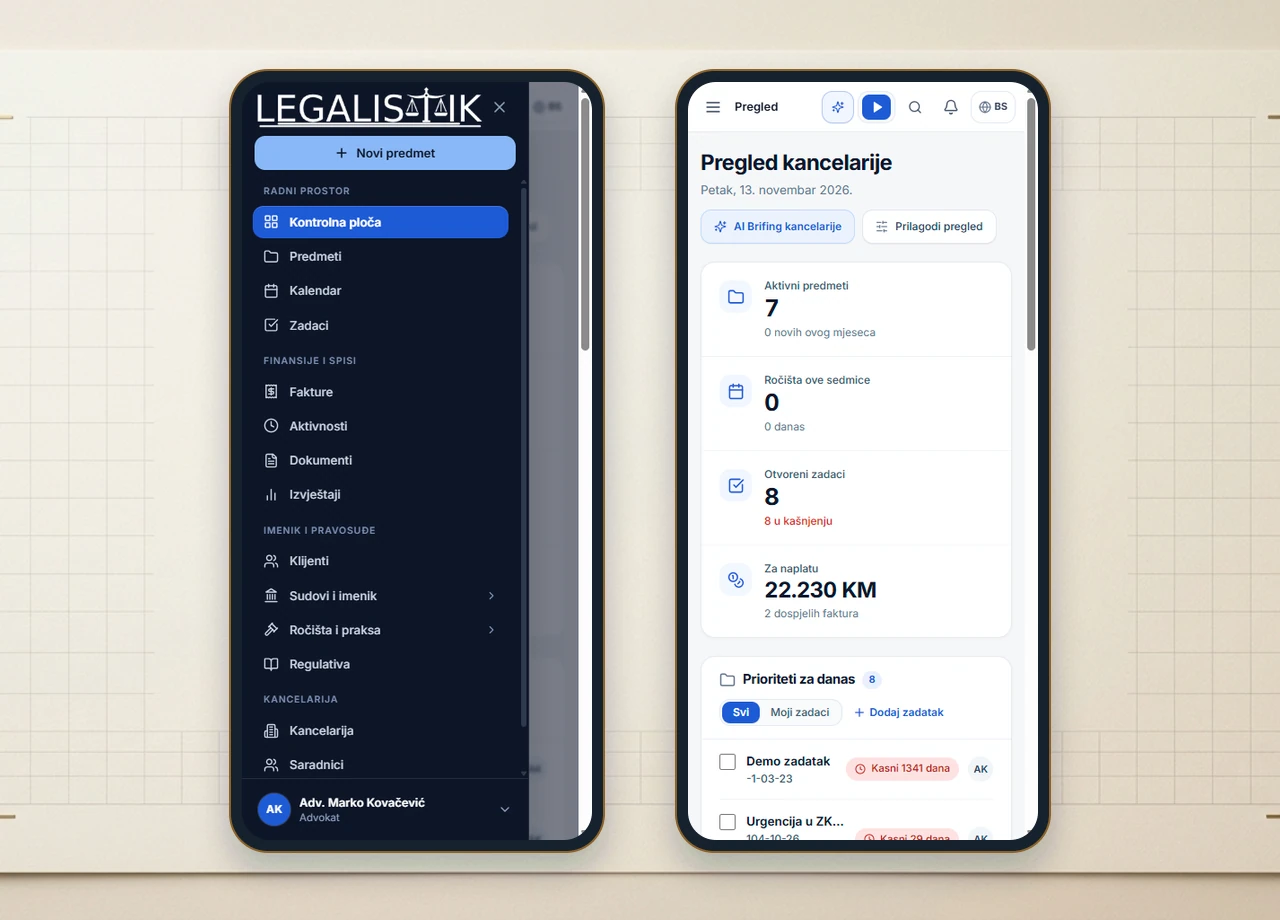
Mobile Application 2 min read Updated: 2026-11-14
Installing Legalistik on Mobile Devices
Take your docket, hearings, and timer into the courtroom using the Legalistik Android app or install the progressive web app (PWA) directly onto any modern smartphone.
1. Android Installation via Google Play
- Open Google Play Store, search for Legalistik (or open Google Play), and tap Install.
- Sign in with your existing firm credentials.
2. PWA Installation (iOS Safari, Android Chrome & Edge)
- Open Chrome (Android), Edge, or Safari (iPhone / iPad) and navigate to pwa.legalistik.com (or app.legalistik.com).
- On Android (Chrome or Edge), tap the top-right browser menu and choose Install app (or Add to Home screen).
- On iPhone / iOS (Safari), tap the bottom Share icon, choose Add to Home Screen, and confirm Add. Legalistik launches full-screen from your Home Screen with full mobile navigation, AI Copilot, and timer access.