How to Design a Law Firm Letterhead
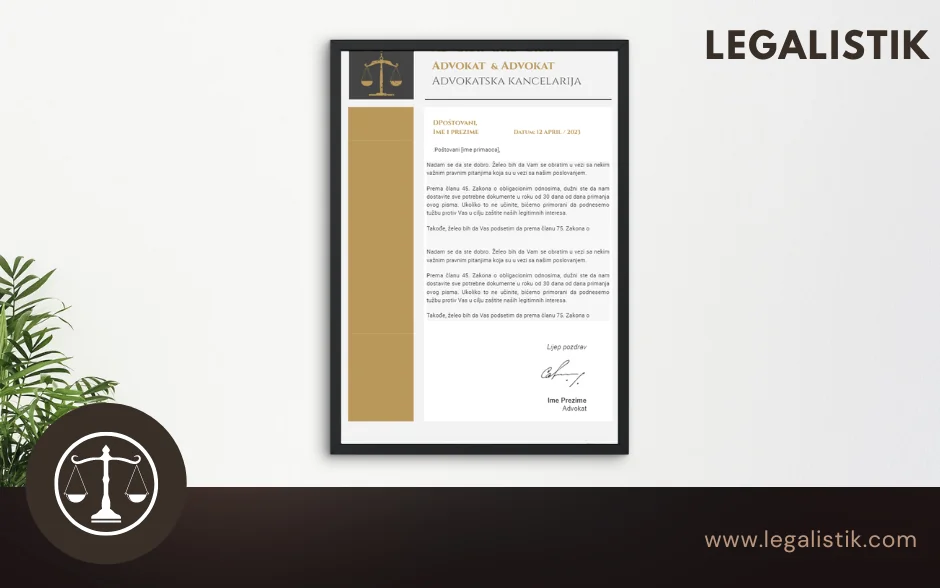
Every letter, submission, and engagement agreement that leaves your office shapes how clients, opposing counsel, and courts perceive your practice. A well-designed law firm letterhead reinforces credibility, maintains brand consistency, and ensures essential contact details are always easy to find.
Contrary to common belief, designing a refined letterhead does not require expensive graphic design agencies or specialized software. In just a few minutes, your office can create a clean, print-ready and digital-ready letterhead—and then connect it directly to automated document workflows.
What Every Law Firm Letterhead Should Include
Before choosing fonts or colors, make sure your letterhead covers the core information expected in legal correspondence:
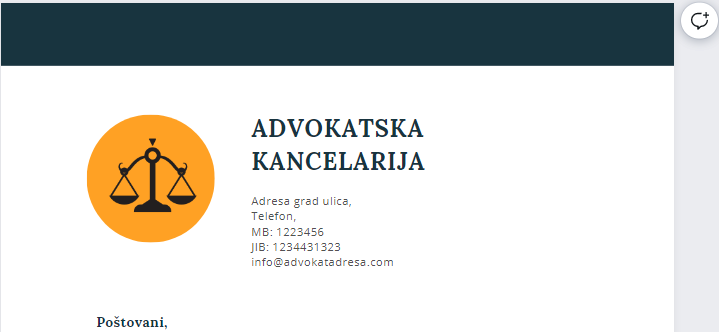
- Firm name and bar designation clearly displayed at the top of the page.
- Office street address, phone number, email address, and website so clients can verify and reach your office effortlessly.
- Tax ID, registration, or bank account details in a subtle footer when the same layout is also used for engagement letters or fee notices.
- Generous white space and balanced margins so pleadings, legal opinions, and multi-page contracts remain easy to read.
Avoid cluttered borders, oversized watermarks, or low-contrast typography that degrades when scanned or photocopied in court registries.
Designing a Letterhead in Microsoft Word or Canva
Two accessible tools cover almost every law firm’s needs without a steep learning curve:
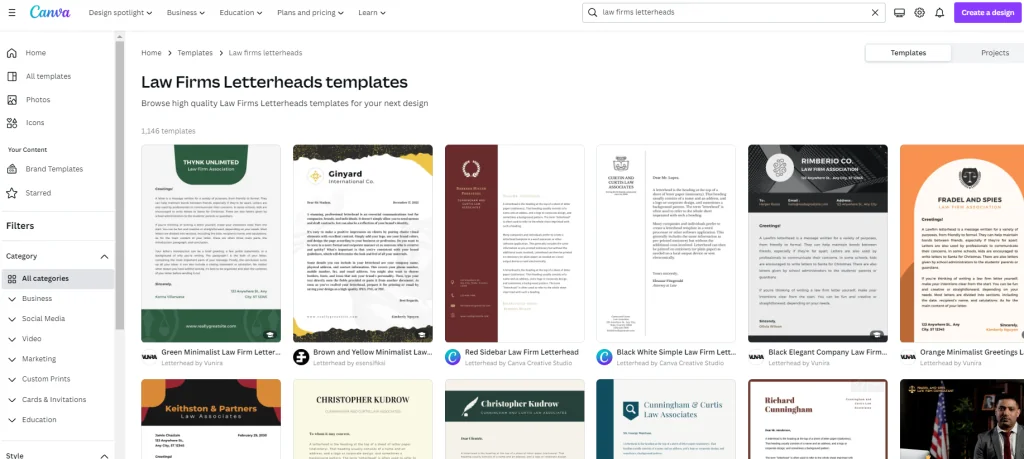
- Microsoft Word: Open Word, go to New, search for “Letterhead”, and pick an understated legal or corporate layout. Double-click the header and footer regions to insert your logo, typography, and contact line, then save the file as a clean
.docxtemplate. - Canva: Search Canva’s library for legal or minimalist letterhead templates, customize your firm’s palette and typography in minutes, and export high-resolution header/footer graphics or Word-compatible assets.
Whichever tool you start with, keep the visual hierarchy restrained—one primary typeface paired with a neutral accent color conveys far more authority than decorative elements.
Turn Your Letterhead into Automated Legalistik Templates
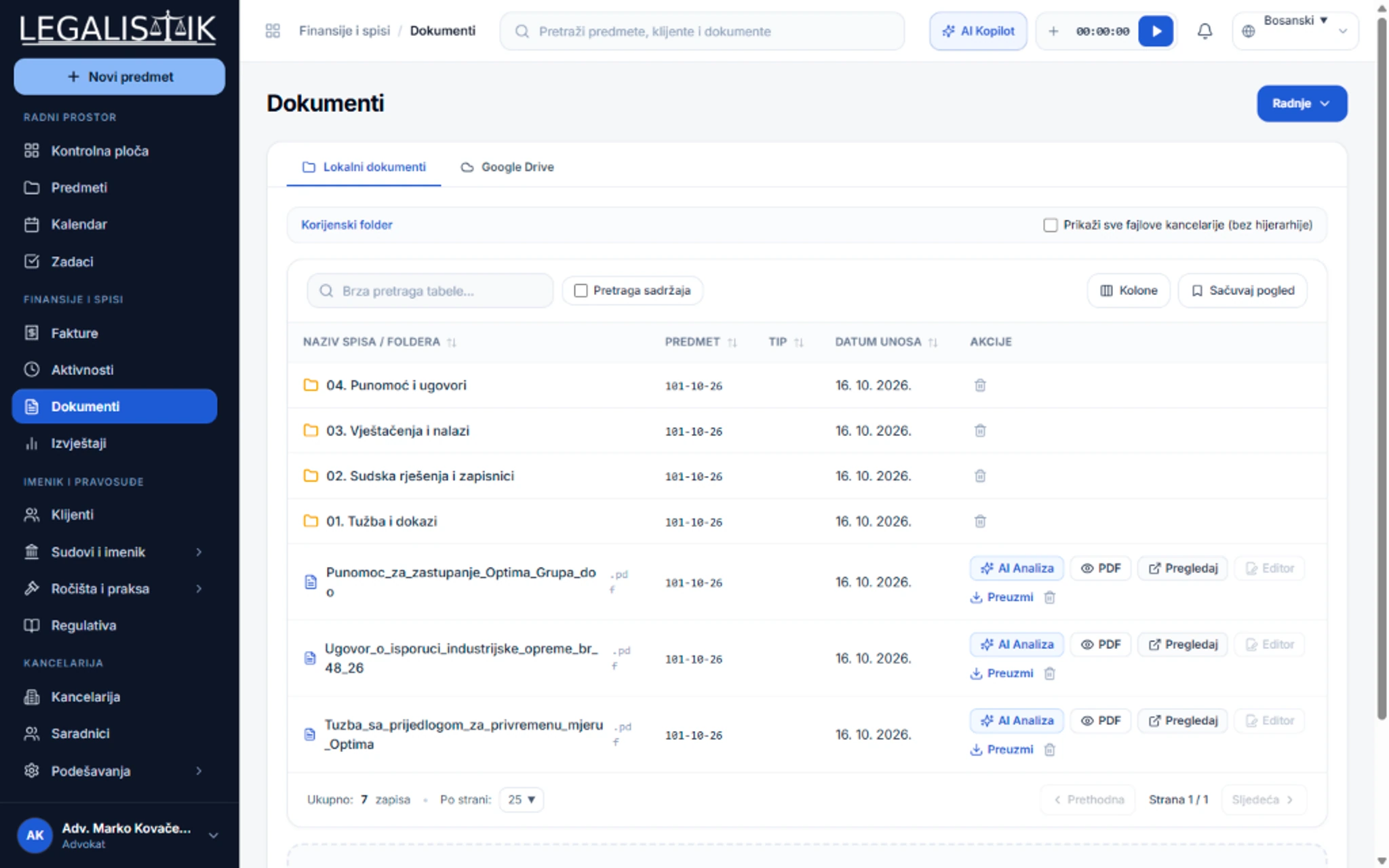
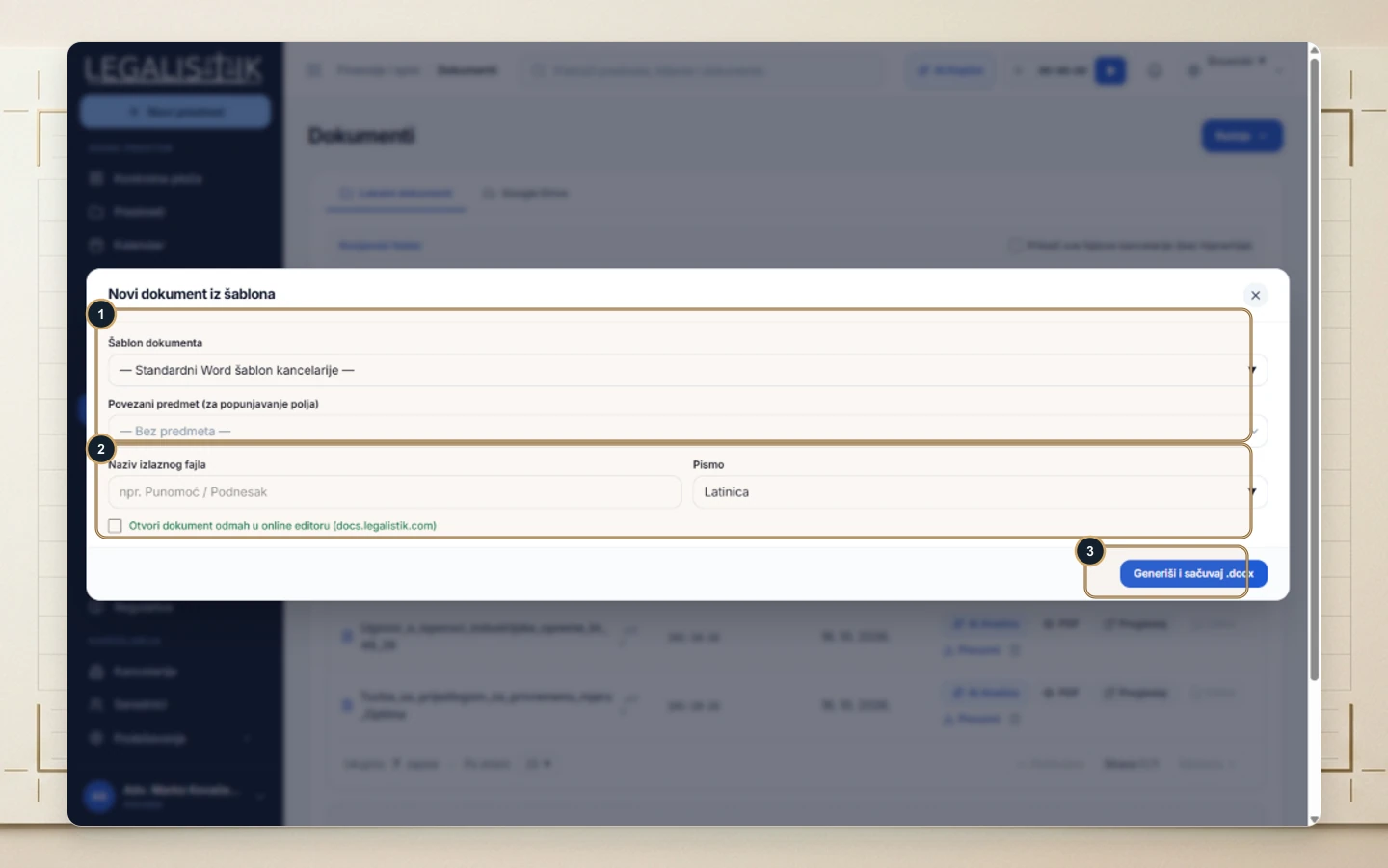
Designing the letterhead once is only half the productivity gain. When your practice imports its branded Word letterhead into Legalistik Documents, attorneys no longer waste time copying client addresses, case numbers, or counterparty names into blank files before every letter or filing.
By combining your office’s custom template with Legalistik’s dynamic client and matter fields, every brief, power of attorney, or formal notice is generated directly onto your letterhead with accurate metadata in seconds—both in the office and through the Legalistik mobile application.
Ready to standardize document creation across your entire firm? Explore the complete Legalistik feature set, review transparent pricing plans, or book a personalized demo with our team. Need assistance configuring your firm’s Word templates? Reach out to [email protected].