7 Benefits of Cloud Law Practice Software

As law firms expand their caseloads and client portfolios, relying on filing cabinets, local shared drives, and legacy desktop software quickly turns into a bottleneck. Modern practices are moving to cloud-based law firm management software to improve security, remote agility, and team collaboration without maintaining expensive office servers.
What Is a Cloud Law Practice Application?
A cloud application runs securely in your web browser and mobile app on remote enterprise infrastructure rather than on local hard drives inside your office. Your team simply signs in with encrypted credentials—no local server setup, VPN headaches, or manual desktop patching required.
Here are the seven major advantages cloud legal software brings to everyday legal practice.
1. Bank-Grade Data Security & Resilience
Client files, court exhibits, and billing records are the core assets of any legal practice. Keeping data solely on office PCs exposes your firm to costly risks:
- Hard drive or motherboard failures
- Accidental deletion or overwritten Word drafts
- Stolen laptops while traveling to court
- Local malware and ransomware attacks
Legalistik protects client confidentiality using 256-bit AES encryption at rest and TLS encryption in transit inside ISO 27001 certified European Union data centers under GDPR standards, backed by automated geo-redundant backups twice every day.
2. 24/7 Access from Courtrooms, Home & Travel
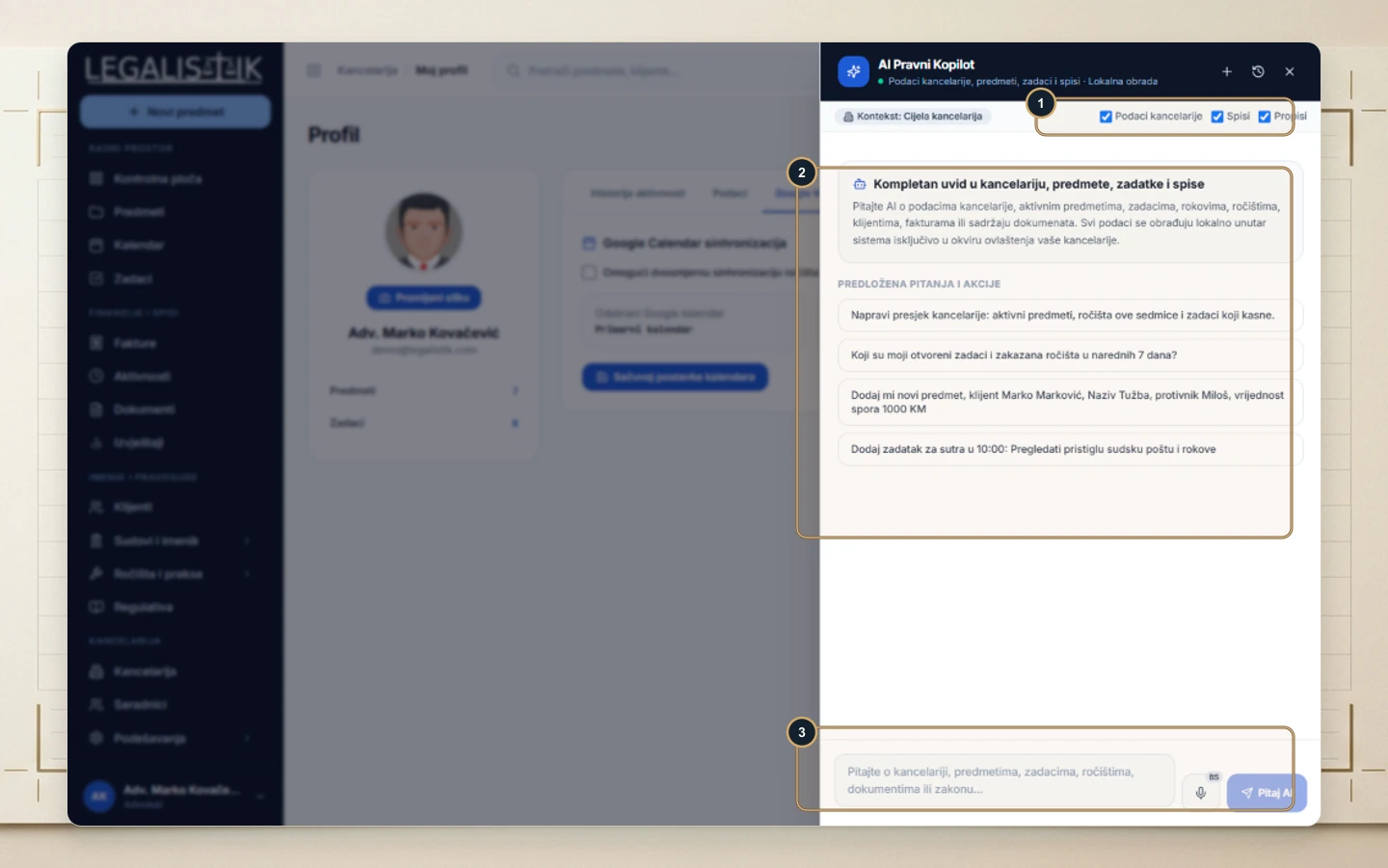
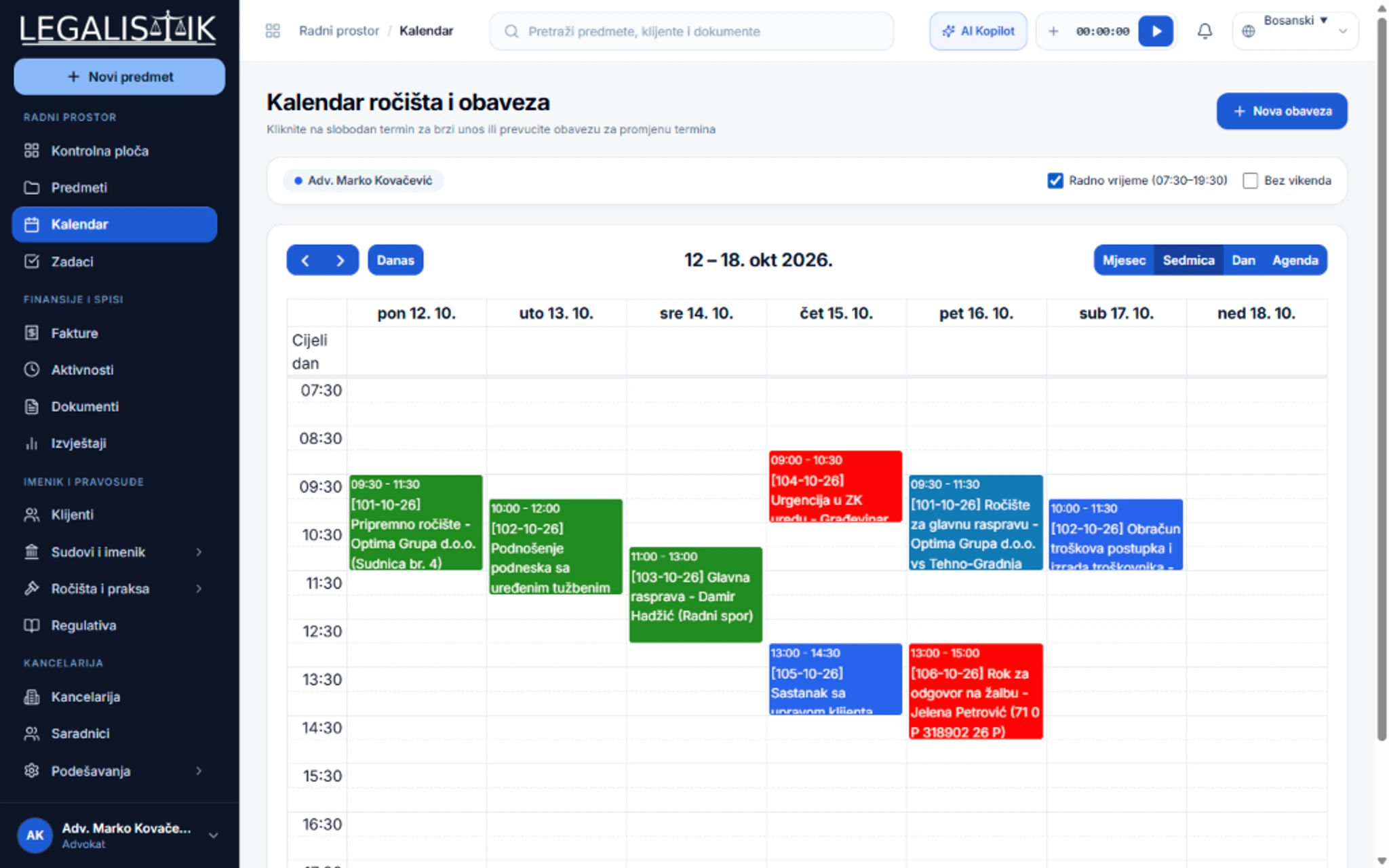
Attorneys rarely spend an entire day behind one office desk. Legacy desktop tools forced staff to set up fragile VPN connections just to check a docket number from home. Cloud software makes your full office—calendar, case dossiers, tasks, and documents—available 24/7/365 across laptops, tablets, and the Legalistik mobile app.
3. Real-Time Collaboration Across Associates & Partners
Whether two partners or twenty associates work in your firm, everyone must operate on a single source of truth. In Legalistik, when a colleague uploads a filing, logs billable time, or moves a task on the Kanban board, authorized team members see the update immediately—eliminating conflicting file versions emailed back and forth.
4. Automatic Updates Without Downtime or Upgrade Fees
On-premise desktop programs require scheduled IT maintenance, manual installers, and costly paid version upgrades. In the cloud, new capabilities, security patches, and legislative updates roll out seamlessly in the background at zero extra maintenance charge.
5. Centralized Document Management & Office Space Savings
Cloud storage organizes pleadings, contracts, powers of attorney, and scans inside structured digital case folders with full-text search. Finding any clause takes three seconds instead of searching storage closets, while cutting physical filing cabinet overhead.
6. Lower IT Hardware & Maintenance Costs
Instead of purchasing local servers, paying an IT contractor for emergency repairs, and managing external backup drives, your firm pays a predictable subscription with infrastructure, uptime monitoring, and backups included.
7. Effortless Scalability as Your Practice Grows
When you hire a new associate, trainee, or partner, provisioning an account with granular role-based permissions takes less than a minute—with no hardware upgrades needed. Better yet, every 4th collaborator account on Legalistik is completely free.
Conclusion
Moving your practice to the cloud delivers higher security, lower IT overhead, and seamless mobility. Read about our EU Data Security & Encryption architecture, explore all Legalistik features, compare plans on our Pricing page, or schedule a live demo.