Is It Time for Your Law Firm to Go Paperless?
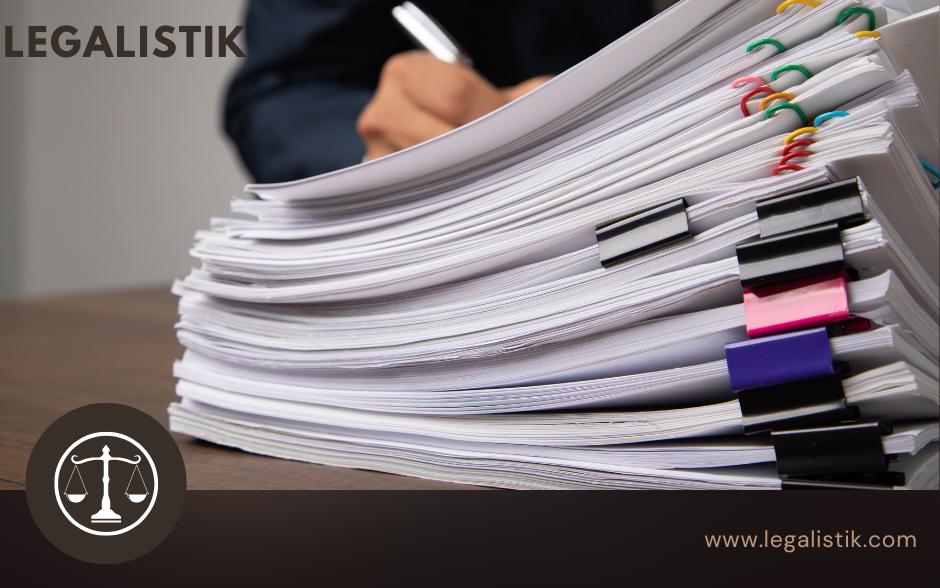
Walk into most traditional law offices and you immediately see tall shelves of ring binders, overflowing file drawers, and stacked mail trays. While physical court rules still require printed submissions in certain proceedings, running your internal office workflow purely on paper drains budget, space, and billable time. Transitioning toward a paperless or paper-light law practice makes every case faster to retrieve, easier to collaborate on, and safer against physical loss.
Why Should Your Law Firm Reduce Paper Usage?
Beyond environmental sustainability, eliminating unnecessary printing delivers three immediate operational returns:
- Direct Cost Savings: Cutting down on paper reams, toner cartridges, folders, envelopes, and archival storage shelves saves thousands each year—especially considering industry estimates that nearly half of printed office pages are discarded the same day.
- Faster Remote Work & Collaboration: Authorized attorneys and trainees can inspect case documents instantaneously from court, home, or client sites without driving back to the office to pull a binder.
- Stronger Disaster Recovery: Paper files are vulnerable to fire, water damage, and misplacement. Encrypted cloud files remain backed up automatically twice daily.
Where Can Law Firms Eliminate Paper First?
Almost every high-volume paper workflow inside a firm has an immediate digital replacement:
- Incoming physical court notices and client correspondence (scanned upon arrival)
- Draft agreements, pleadings, and internal notes
- Desk planners, sticky notes, and manual task checklists
- Outgoing client invoices, quotes, and expense logs
When Is the Right Time to Start Going Paperless?
The best moment to start is today—and the momentum is especially natural before an office relocation, when onboarding new associates, or when taking on document-heavy corporate or litigation portfolios.
How to Launch Digitization in Three Practical Steps
- Commit to Digital-First Intake for All New Cases: Do not delay transformation trying to scan ten years of closed archives overnight. Start by ensuring every newly opened matter lives digitally from day one inside Legalistik.
- Adopt Dedicated Legal Document Software: Store every scan,
.docxpleading, and PDF inside structured case folders linked directly to clients, deadlines, and billing rather than generic shared drives. - Equip Intake with OCR Scanning: Use a fast sheet-fed desktop scanner with optical character recognition (OCR) so even incoming physical mail becomes full-text searchable immediately.
Capturing Paper Documents on the Go with Mobile Scanning
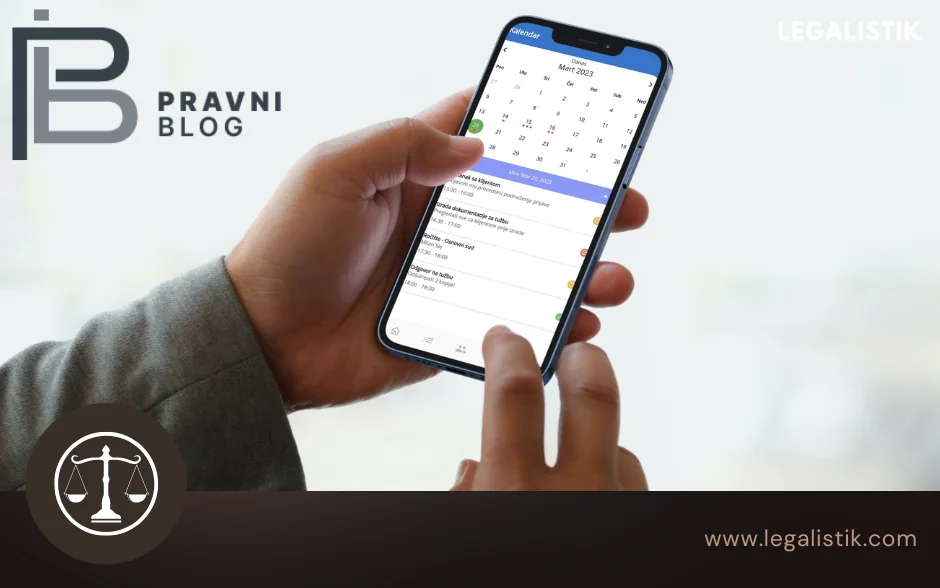
You do not even need to sit next to a desktop scanner. Using a smartphone or tablet alongside Legalistik’s mobile access, attorneys can photograph court notices, signed receipts, or registry extracts right after a hearing, convert them to PDF, and attach them directly to the active case dossier within seconds.
Motivating Your Legal Team to Stay Paper-Light
Involve associates and paralegals early in establishing consistent folder naming conventions, share approved filings with clients through the secure Client Web Portal instead of printing multi-copy packets, and show how instant keyword search replaces 15-minute physical searches.
Conclusion
Paper will remain part of select formal court steps for a little longer, yet reducing internal office paper usage by up to 90% is achievable right now. Explore our Document Management & Templates module, streamline Electronic Invoicing, check statutory dates with the free Court Deadline Calculator, or review plans on our Pricing page.