Data Migration Process for Modern Law Firms
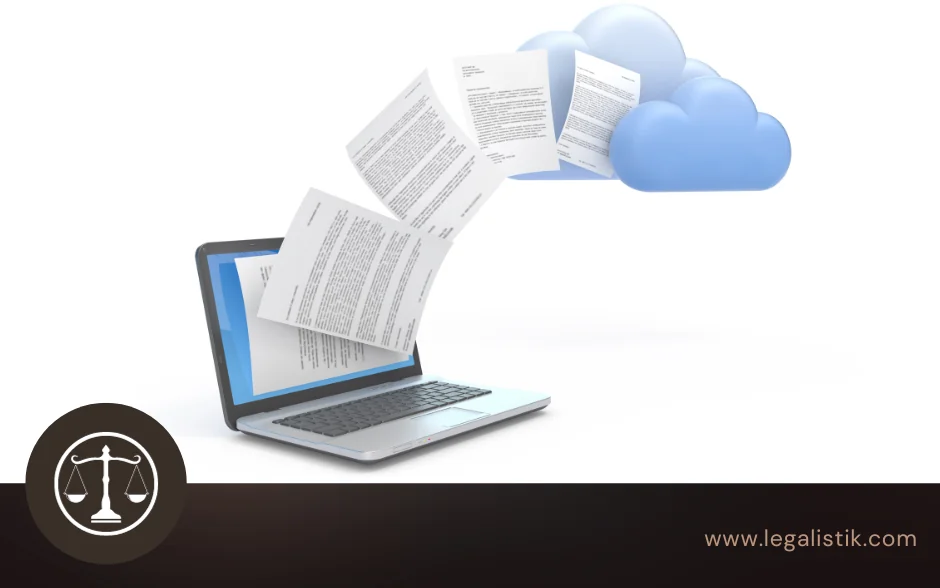
For many law firms, the single biggest hesitation before adopting modern practice management software is not price or training—it is the fear of moving years of active matters, client registers, and billing spreadsheets into a new system.
At Legalistik, we treat data migration for law firms as a structured, guided engineering process rather than a burden placed on busy attorneys. Whether your office is transitioning from network folders and spreadsheets or exporting records from older legal software, your team stays focused on client representation while we handle the heavy lifting.
What Does a Typical Law Firm Migration Include?
Most law practices store decades of operational knowledge across several disconnected formats. Before transfer begins, our onboarding specialists map every record type your attorneys rely on daily:
- Active and archived client matters along with custom case numbers, court identifiers, and opposing parties.
- Client and counterparty directories including contact details, tax IDs, and historical notes.
- Deadlines, hearings, and recurring obligations so critical court dates move cleanly into Legalistik’s shared calendar.
- Structured Excel or CSV registers alongside linked word-processing files, scans, and PDFs.
Standard migrations from structured spreadsheets or CSV tables are often completed within a single business day, while larger multi-source transfers—including legacy databases or high-volume document archives—typically finish within one to two weeks without interrupting your office’s daily schedule.
Five Pillars of a Safe Transition to the Cloud
Moving legal records requires more than copying files. Every migration step is engineered around five safeguards:
- Zero Data Loss & Staging Verification: Before anything goes live in production, we import your mapped dataset into a staging environment and verify record counts, special characters, and date formatting with your office lead.
- 256-Bit Encryption & EU Infrastructure: All transferred records are protected with end-to-end 256-bit SSL encryption and hosted on GDPR-compliant servers inside the European Union.
- Significant Savings on Local IT: Eliminating fragile on-premise servers, local backup drives, and emergency IT maintenance frees predictable budget for practice growth.
- Immediate Access & Collaboration: Once live, attorneys, paralegals, and associates work synchronously on verified records from the office, courtroom, or mobile device.
- Reliable Disaster Recovery: Automated off-site backups ensure your historical matters stay recoverable even if a laptop fails or is stolen.
Pre-Migration Checklist for Your Office
You do not need to clean every file manually before talking to our team, yet taking three quick steps accelerates the handover even further:
- Identify your primary source of truth: Decide which Excel register, folder structure, or legacy database holds the latest client and deadline records.
- Archive obvious duplicates: Flag closed or test records you prefer separated from active litigation views.
- Align internal roles: Confirm which partners or administrators should review the staging import and receive full administrative permissions.
Ready to leave scattered spreadsheets behind without risking a single deadline? Review our full Legalistik feature overview, compare pricing tiers, or schedule a guided migration consultation. You can also write directly to [email protected] to discuss your firm’s existing file structure.